A slow checkout page, a missed backup, or a plugin update that breaks a homepage can cost more than a few dollars saved on hosting. That is why the WordPress hosting versus shared hosting decision deserves more than a glance at the monthly price. Both can be a sensible home for a website, but they serve different priorities.
Shared hosting gives you an affordable, flexible starting point for many kinds of websites. WordPress hosting is designed around one specific platform, often with management and performance settings that reduce the work on your side. The better choice depends on what your site does, who maintains it, and how much room you need to grow.
What Shared Hosting Actually Provides
Shared hosting places multiple customer accounts on one physical server. Each account has its own files, settings, and resource limits, while the provider manages the server hardware and core operating environment. Modern shared hosting should also include protections such as account isolation, free SSL certificates, regular monitoring, and backups.
For a small business website, personal portfolio, brochure site, or early-stage blog, this model is often a practical fit. You receive hosting at a lower monthly cost without taking on server administration. You can usually host a WordPress site, but you may also run a different content management system, a simple HTML site, or a small web application if your plan supports it.
That flexibility is shared hosting's central advantage. A designer who manages a portfolio today and adds a client portal later may value having options beyond WordPress. The trade-off is that more of the WordPress-specific work may sit with you, including selecting caching tools, monitoring plugin health, and deciding when your site needs additional resources.
Shared does not automatically mean slow or unsafe. Quality matters. SSD storage, current PHP versions, modern web protocols, account isolation, daily backups, and responsive support can make a meaningful difference. Still, every shared plan has resource boundaries. A sudden traffic spike, a large WooCommerce catalog, or a plugin-heavy site may eventually need a more specialized environment.
WordPress Hosting Versus Shared Hosting: The Core Difference
WordPress hosting is built specifically for WordPress websites. The server configuration, support process, security controls, and maintenance options are commonly tailored to the way WordPress runs. Depending on the provider and plan, that can include WordPress-focused caching, managed core updates, malware monitoring, staging tools, automated backups, and support staff who work with WordPress issues every day.
The appeal is not simply that it says WordPress on the label. It is the reduction in routine technical decisions. A local service business should be able to focus on calls, appointments, and leads instead of wondering whether a PHP setting or cache rule is holding its site back. A creator should be able to publish without treating every update as a maintenance project.
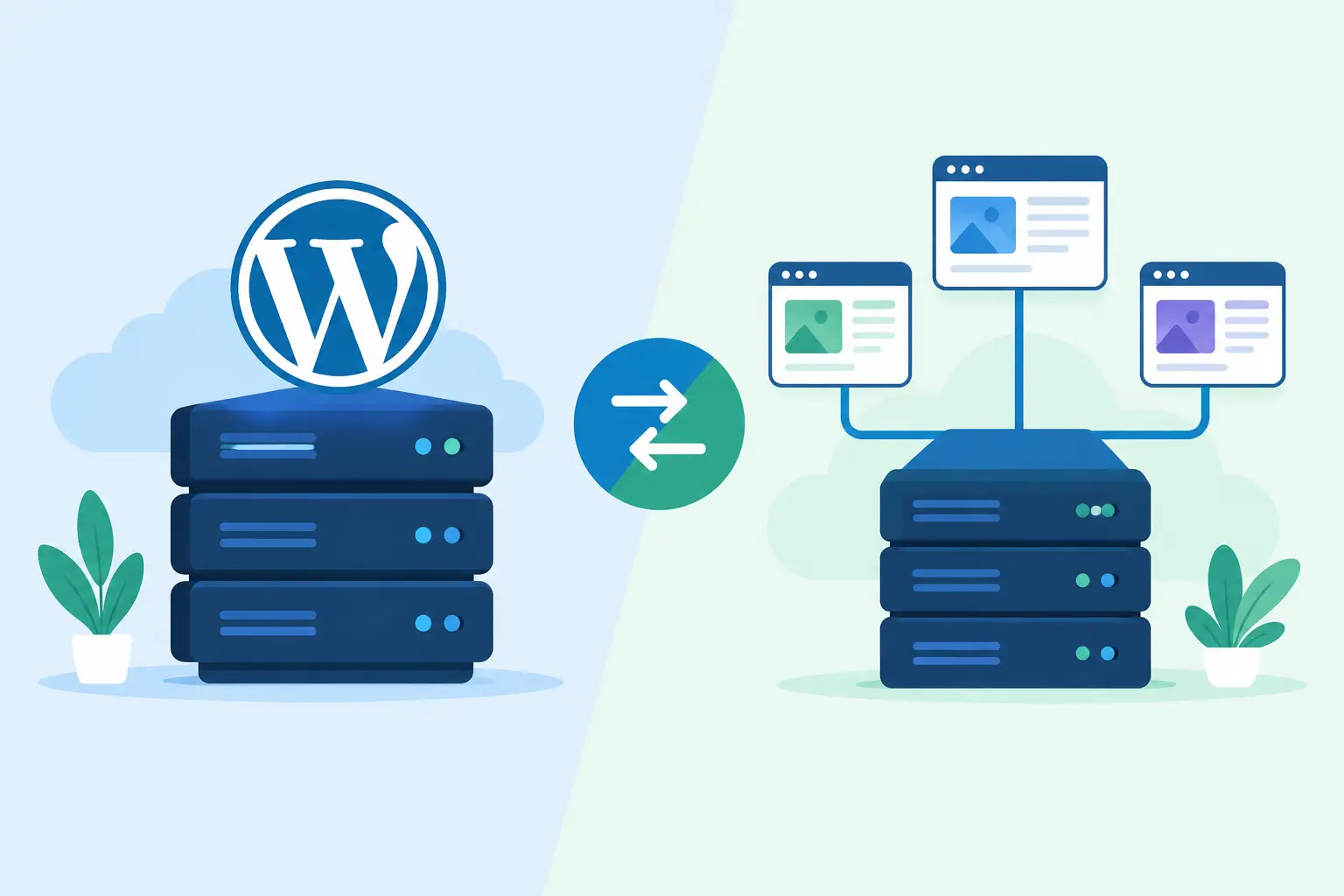
In the WordPress hosting versus shared hosting comparison, WordPress hosting generally puts more emphasis on optimized performance and managed care. Shared hosting puts more emphasis on affordability and broad compatibility. Neither approach is universally better.
A well-built basic WordPress site may perform very well on shared hosting. On the other hand, a managed WordPress plan may be worthwhile for a modest site if the owner wants help with updates, security practices, and troubleshooting. The deciding factor is often the value of your time, not only your visitor count.
Performance Depends on More Than the Hosting Label
Hosting affects page speed, but it is only part of the picture. Large uncompressed images, an overloaded theme, poorly coded plugins, and too many third-party scripts can slow down a site on any plan. No hosting package can fully compensate for an inefficient website.
WordPress hosting can give WordPress sites a better starting point. Server-level caching, tuned database settings, and platform-aware support may help pages load faster under normal conditions. Those gains matter most for sites that regularly publish content, receive meaningful traffic, run online stores, or depend on form submissions for leads.
Shared hosting can be an excellent fit when traffic is modest and the site is kept tidy. If your website has a few service pages, a contact form, and an occasional blog post, the extra specialization of WordPress hosting may not be essential at first. Choose a provider with clear upgrade options so performance does not become a crisis later.
For eCommerce, membership sites, online courses, and busy agency sites, look beyond general claims about speed. These sites often need reliable resources for logged-in users, database activity, payment processes, and traffic bursts. In those cases, WordPress hosting or a managed VPS can offer a more appropriate next step than a low-cost shared plan.
Security and Backups: Know Who Handles What
WordPress is widely used, which also makes it a common target for automated attacks. Security is a shared responsibility. Your host should protect the underlying infrastructure, monitor for threats, maintain secure systems, provide SSL, and keep dependable backups. You still need to use reputable themes and plugins, strong passwords, and timely updates.
With shared hosting, you may have more direct responsibility for WordPress maintenance. Some hosts provide one-click updates and backup tools, but you should confirm how often backups run, how long they are retained, and how restoration works. A backup that is difficult to restore is not much help during a real problem.
WordPress hosting may include a more hands-on approach, such as managed updates or WordPress-specific security checks. That can reduce risk, but it does not mean every update should be applied without thought. Major plugin, theme, or WordPress changes can occasionally conflict with custom features. A careful provider helps you understand the process, and a good backup gives you a safe way back if a change causes trouble.
Support Is Often the Deciding Factor
When something goes wrong, the difference between support that answers and support that helps becomes very clear. A generic response telling you to contact a developer can leave a small business owner stuck. A useful support team can explain whether the issue is related to hosting, WordPress, a theme, a plugin, DNS, or email configuration - and point you toward the next practical step.
WordPress-focused hosting support can be especially valuable if you do not have an in-house technical person. That does not mean the host should be expected to redesign pages or repair every third-party plugin. It means you should be able to reach real people who will investigate the hosting side of the issue without sending you in circles.
For agencies and experienced site owners, shared hosting may be enough when they prefer to control configurations and handle WordPress maintenance themselves. Even then, 24/7 human technical support and a provider willing to assist with migrations can save time when an urgent issue appears outside business hours.
Which Option Fits Your Website?
Shared hosting is usually the right starting point when you want an affordable plan for a simple site, need the freedom to run software other than WordPress, or already have someone comfortable handling routine WordPress care. It also makes sense for new projects that need a reliable home before their traffic and technical needs are clear.
WordPress hosting is often the better fit when WordPress is central to your business and you want less day-to-day maintenance. It is particularly useful for content-driven sites, marketing sites that depend on lead generation, stores, membership platforms, and owners who want platform-aware help when updates or performance issues arise.
There is also a middle ground. You may begin on shared hosting with a well-maintained WordPress site, then move to WordPress hosting, managed cloud VPS, or dedicated resources as demand grows. The key is choosing a provider that treats an upgrade as a planned transition rather than a stressful rescue operation.
A Better Way to Choose
Before choosing a plan, consider your website's job. Does it simply establish credibility, or does it process orders, collect leads, host client content, or publish frequently? Then consider who will maintain it. If that person is you and technical tasks already feel like a distraction, managed WordPress features may pay for themselves in time and peace of mind.
Also ask how a provider handles the moments that matter: site migration, backup restoration, traffic growth, and unexpected errors. HillHost approaches these transitions with hands-on migration support, practical post-migration guidance, and a clear path to more resources when your website outgrows its first plan.
Your hosting should feel like a dependable part of the business, not another system you have to chase. Start with the level of care and flexibility your site needs now, then leave room for the work you hope it will do next.