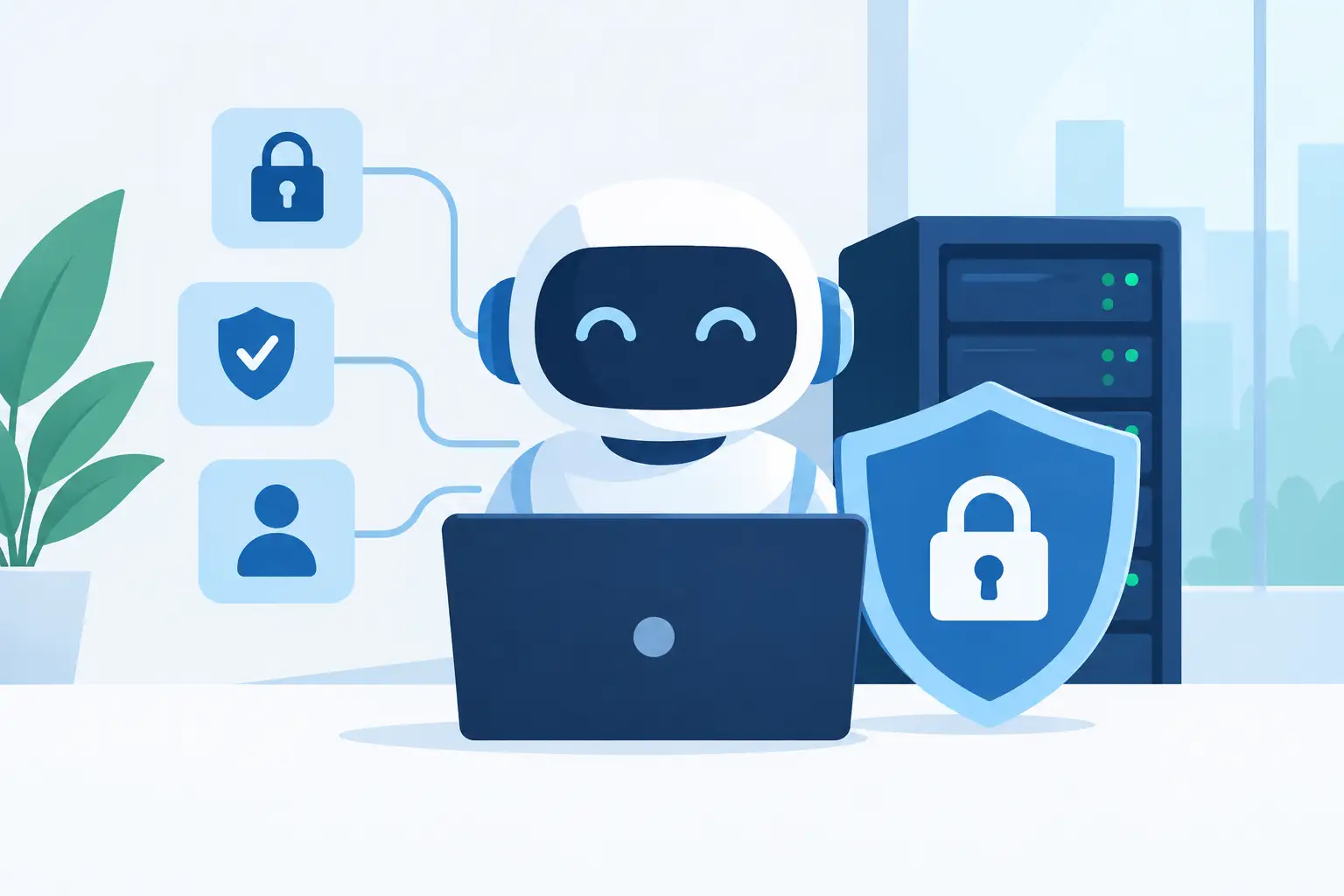
A private AI assistant can answer customer questions, search internal documents, draft routine content, and help your team move faster. But when you deploy a private AI assistant, the real decision is not just which model to use. It is deciding what information it can access, where that information lives, and who is responsible when something needs attention.
For a small business, agency, or growing startup, a private assistant should feel useful without becoming another system your team has to babysit. That calls for a practical deployment plan built around data boundaries, reliable infrastructure, and clear human oversight.
What a private AI assistant actually means
“Private” can mean different things depending on the service. In the strongest sense, it means your assistant is configured for your organization, your data is not used to train a public model, and access is limited to the people and systems you authorize.
It does not automatically mean the assistant is fully offline or that no outside technology is involved. Many private deployments still use a third-party language model through a controlled service. The important questions are where prompts and files are processed, how long they are retained, whether they are used for training, and what contractual and technical controls apply.
For most businesses, the goal is not to build an AI lab. It is to create a dependable business tool that can use approved knowledge without exposing client records, passwords, financial data, or sensitive internal conversations.
Start with one job worth improving
The fastest way to create an assistant nobody trusts is to give it every company file and ask it to “help with everything.” Begin with a narrow, high-value use case where the available information is well organized.
A web agency might use an assistant to search its approved WordPress maintenance procedures. A professional services firm may use one to help staff find current onboarding materials and proposal language. An online business could start with product documentation and customer-service policies before considering order details or account-specific data.
This approach improves answers because the assistant has a defined knowledge base and a defined role. It also makes review easier. You can see where answers are useful, where the documentation is incomplete, and where the assistant should decline to answer.
Prepare your knowledge before you deploy a private AI assistant
An AI assistant reflects the material you provide. Outdated instructions, duplicate documents, and unclear policies lead to unreliable responses, no matter how capable the underlying model may be.
Review the content you plan to include. Remove obsolete versions, clearly label official documents, and separate material that should never be uploaded. Passwords, private keys, payment card information, medical records, and highly sensitive customer data should stay out of a general knowledge base unless you have a specific, controlled business case and appropriate safeguards.
It also helps to write a short set of operating rules. Tell the assistant when to cite or identify the source document, when to ask a clarifying question, and when to send the user to a human. For customer-facing use, make it clear that the assistant should not invent policies, guarantee outcomes, or provide legal, financial, or medical advice.
Good source material matters more than sheer volume. A smaller set of current, trusted documents is often more useful than years of unfiltered files.
Choose the right deployment model
There is no single best way to host a private AI assistant. The right setup depends on your data sensitivity, traffic level, budget, and in-house technical resources.
A managed private AI Agent service is often the sensible starting point for small businesses that want guidance and do not want to manage servers, model updates, integrations, and security configuration alone. This route can shorten the path from idea to useful tool while keeping support responsibilities clear.
A managed cloud VPS can fit teams that need more control over applications, databases, integrations, or custom workflows. It gives you dedicated resources and room to grow, but it also requires a stronger plan for system administration, patching, monitoring, and backups. Larger or high-volume environments may require dedicated infrastructure, especially when performance isolation, custom security requirements, or specialized workloads are involved.
Self-hosting a model can provide additional control in some cases, but it is not automatically cheaper or safer. Models need compute capacity, updates, monitoring, and careful configuration. A poorly maintained private server can create more risk than a well-managed service with documented controls.
Put access controls ahead of convenience
Your assistant should only see what each user needs to do their work. A company-wide chatbot with unrestricted access to every department folder may sound convenient, but it creates a large and unnecessary exposure point.
Use individual logins rather than shared accounts. Assign roles for administrators, employees, contractors, and customers. Keep separate knowledge bases for separate clients or departments when confidentiality requires it. If the assistant connects to business applications, grant the least amount of permission needed for the task.
This matters especially for agencies and resellers. One client’s documents should never appear in another client’s results. Account isolation, separate credentials, and careful integration design are not minor setup details. They are part of the service you are providing.
Access should also be easy to remove. When an employee leaves or a contractor completes a project, their AI assistant access and connected application permissions should be reviewed promptly.
Build for reliable operation, not just a good demo
A successful demo proves that an assistant can answer a question. A useful business deployment needs to remain available, recoverable, and maintainable after launch.
Start with a hosting environment that matches the workload. AI tools may involve application servers, document storage, databases, embeddings, APIs, and background processing. Resource needs can change quickly when more staff begin using the system or when large document libraries are added. Choose infrastructure with a clear upgrade path rather than forcing a growing workload into an undersized plan.
Backups still matter. Back up configuration files, knowledge-base source documents, databases, and application data on a regular schedule. Test how you would restore service if an update fails, a file is deleted, or an integration breaks. Daily backups and snapshots are useful only when your team knows what they cover and how recovery works.
Monitoring is equally practical. Watch for failed jobs, unusual usage spikes, rising response times, integration errors, and repeated unanswered questions. These signals show whether the issue is capacity, poor source content, a permission problem, or a workflow that needs a human handoff.
Keep a person in the loop where the stakes are high
An AI assistant can produce confident language even when its answer is incomplete. That is why it should not independently approve refunds, alter production systems, send contracts, publish sensitive statements, or make decisions about people without a review process.
For lower-risk tasks, such as finding a policy or drafting a first response, automation can save meaningful time. For higher-risk tasks, use the assistant to prepare information for a person who can verify it. The line depends on your business, your customers, and the cost of being wrong.
Make feedback part of the workflow. Let users flag a poor answer, report outdated information, or request a new document source. That feedback is often more valuable than chasing a more complex model, because it points directly to the knowledge or process that needs work.
Launch with a small group and measurable expectations
Before opening the assistant to the entire company or to customers, test it with a small group of people who understand the work. Give them real questions, not only friendly test prompts. Include ambiguous requests, missing information, and questions the assistant should refuse.
Set a few practical measures for the pilot: how often it provides a useful answer, how often it directs users to the correct source, which questions need human escalation, and whether it saves time without creating rework. You do not need a complicated scorecard. You do need evidence that the tool helps more than it distracts.
As usage grows, review costs and capacity alongside quality. A private assistant may become more valuable as more approved content and workflows are added, but every added integration expands the security and maintenance surface. Growth should be deliberate.
HillHost customers who want private AI capabilities do not have to choose between a confusing do-it-yourself project and a generic public chatbot. A managed approach can provide a clearer starting point, with infrastructure and people available when the work becomes more technical.
The best first deployment is usually modest: one team, one useful knowledge base, clear permissions, and a reliable path to human support. Get that right, and your assistant can earn trust one helpful answer at a time.