A successful promotion, a busy seasonal launch, or one popular post can change a website's resource needs overnight. Knowing how to scale cloud servers means responding to that growth before visitors see slow pages, failed checkouts, or unavailable services. The goal is not to buy the largest server available. It is to add the right capacity at the right time, with a plan that protects your site and your budget.
Start with the signal, not the server size
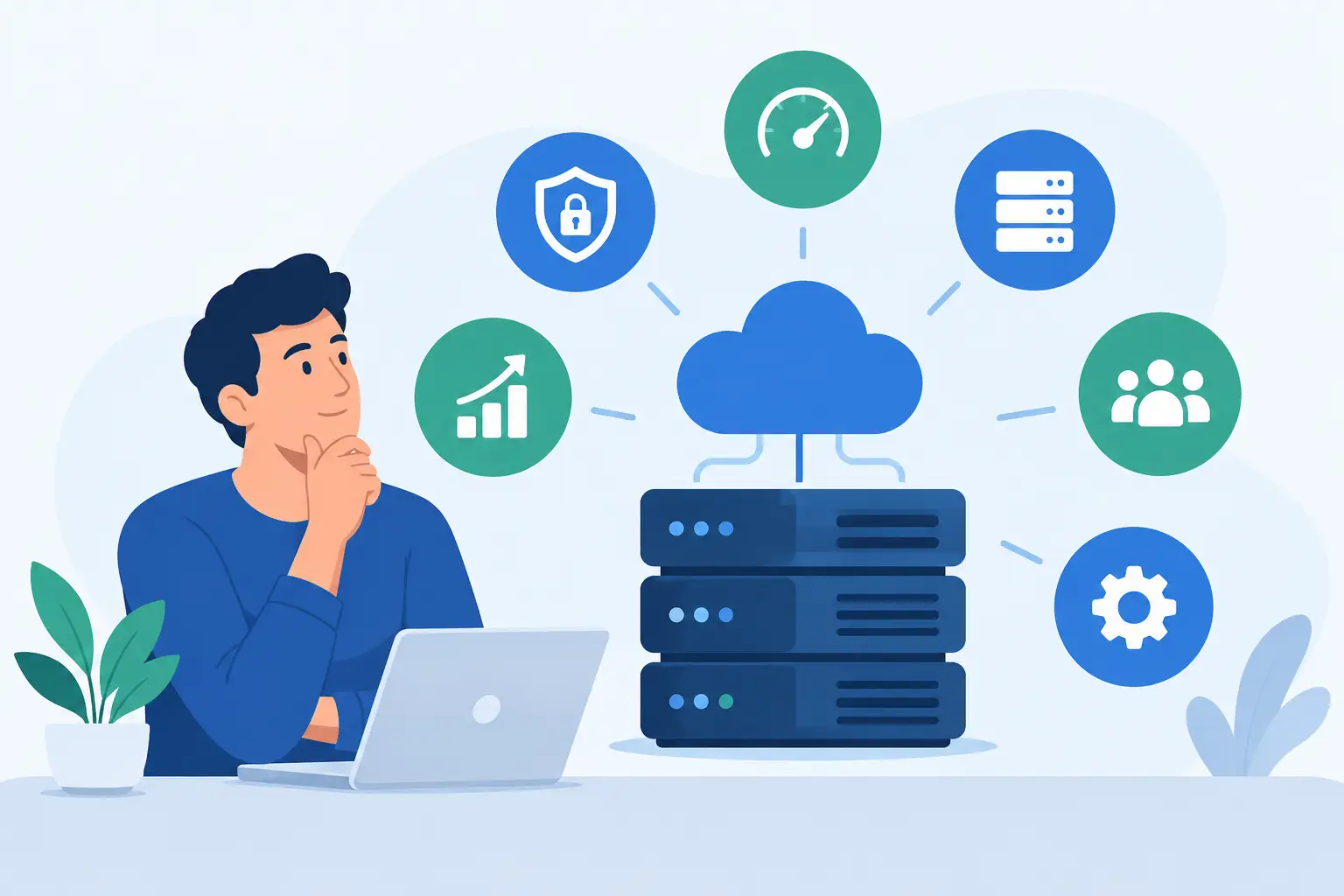
Server scaling should follow evidence. A site can feel slow for reasons unrelated to CPU or memory, including an unoptimized database, a heavy WordPress plugin, oversized images, or a poorly configured cache. Adding resources may reduce the symptoms temporarily, but it will not necessarily fix the cause.
Look at patterns over several days or weeks rather than reacting to one traffic spike. Consistently high CPU usage, memory exhaustion, slow database queries, rising response times, and repeated error messages are meaningful signals. So are business signals: more orders, a growing mailing list, a new client launch, or a campaign scheduled for next month.
A useful rule is to investigate when resource usage stays elevated during normal traffic, not only when it peaks briefly. Short bursts are expected. A server that regularly runs near its limits has little room to handle a backup process, a software update, or an unexpected rush of visitors.
For small business sites, this often begins with a simple question: are visitors getting the same fast, reliable experience during your busiest hours as they are during quiet ones? If the answer is no, it is time to review both performance and capacity.
How to scale cloud servers: choose the right direction
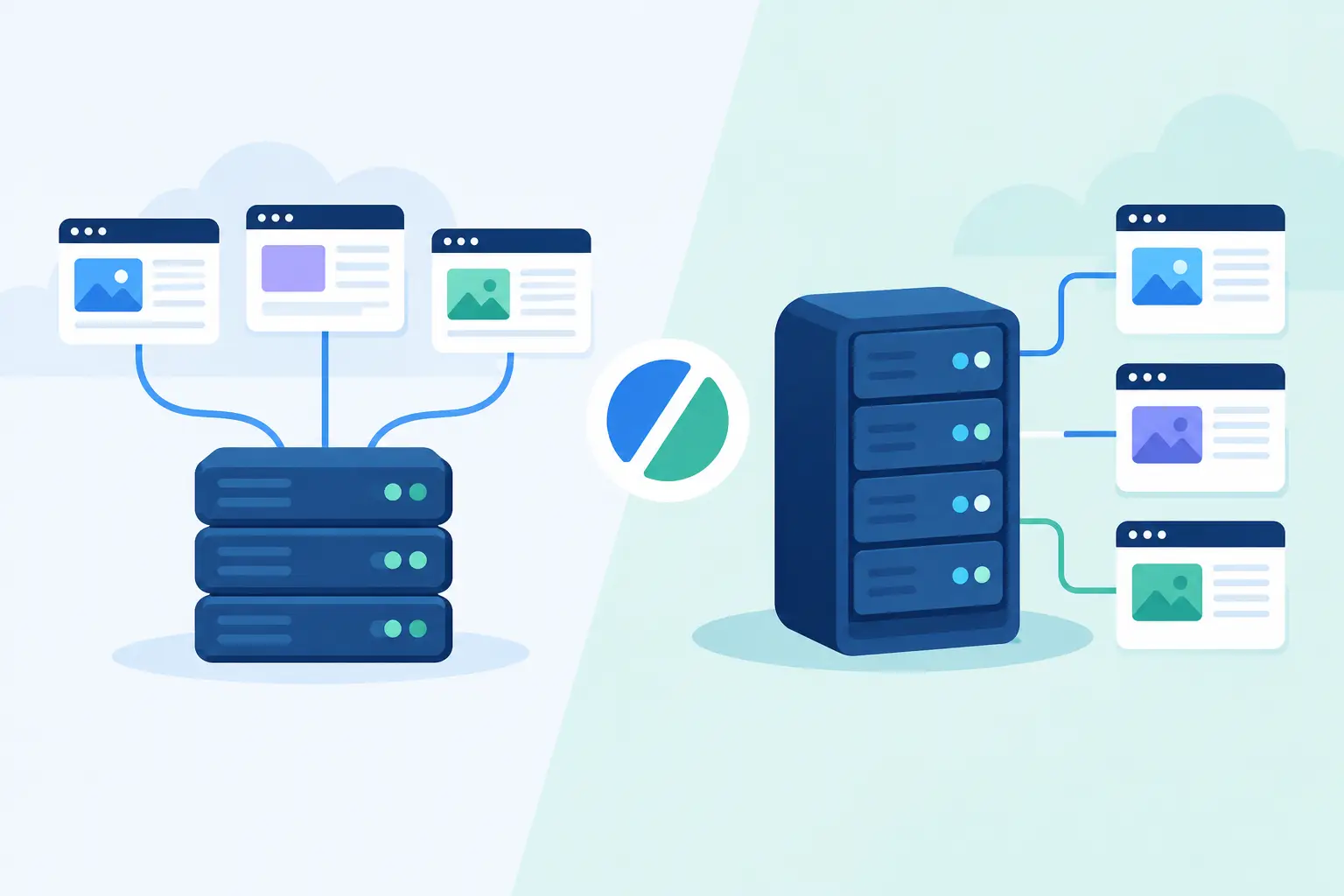
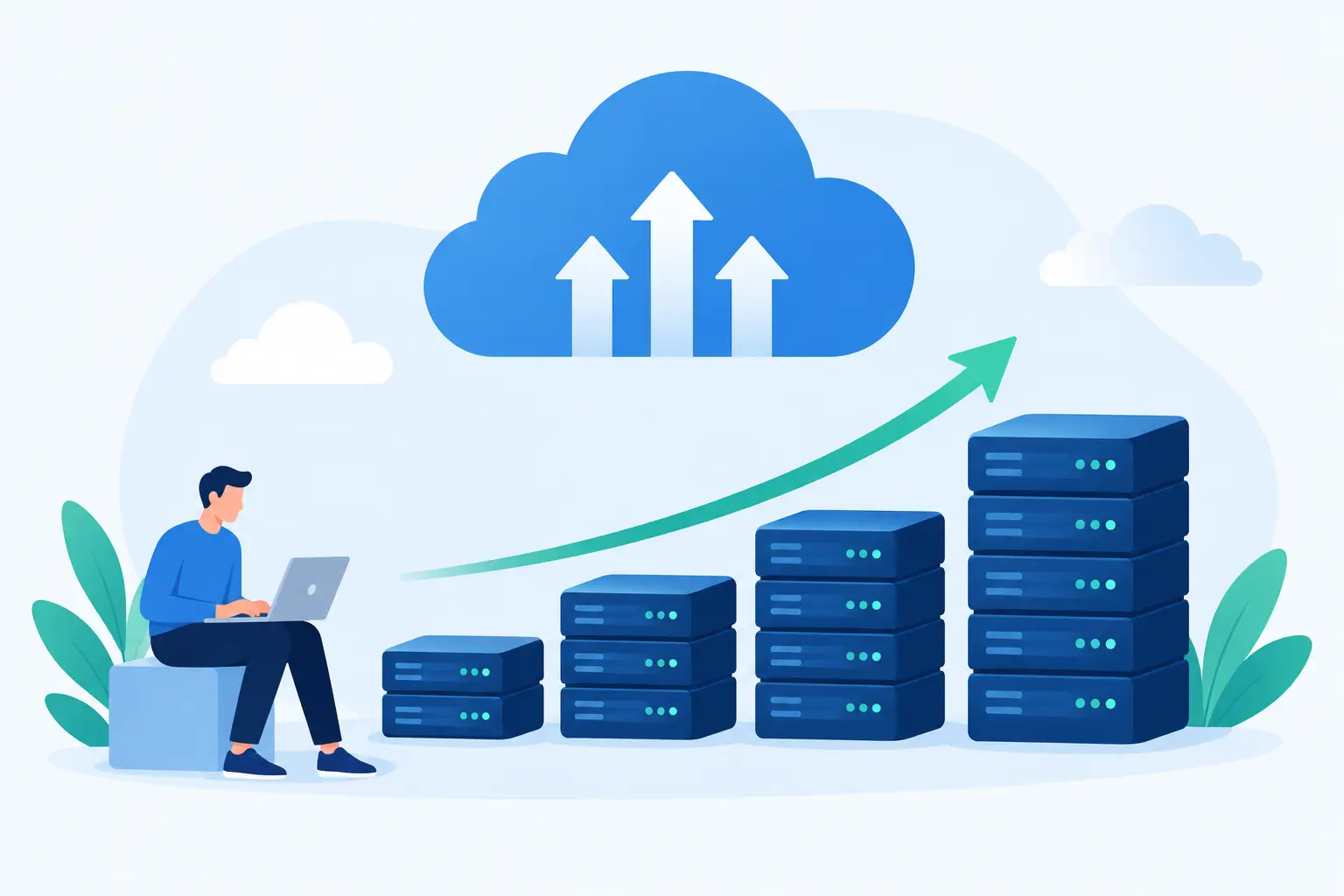
Cloud servers generally scale in two ways. Vertical scaling means giving one server more resources, such as additional CPU cores, RAM, storage, or faster storage performance. Horizontal scaling means running workloads across multiple servers or instances.
Vertical scaling is usually the practical first step for a growing WordPress site, online store, agency portal, or business application. It is easier to manage, requires fewer moving parts, and can provide immediate relief when your current server needs more memory or processing power. Moving from a small VPS to a larger managed cloud VPS is a common example.
Horizontal scaling is better suited to applications with sustained, significant traffic or workloads that can be split safely between servers. You might place multiple web servers behind a load balancer, separate the database from the web application, or move media delivery to a dedicated service. This design can handle more demand and offers stronger resilience, but it also adds cost and technical complexity.
The right choice depends on the application. A content site with a single database may benefit greatly from more RAM and caching before it needs multiple servers. A high-traffic custom application may eventually need separate application, database, and background-processing resources. Scale for the workload you have, not the architecture that looks impressive on a diagram.
Fix avoidable bottlenecks before upgrading
More server capacity is valuable, but efficient websites make better use of every resource. Before changing plans, check for common bottlenecks that can create unnecessary load.
For WordPress, review plugins and themes, especially those that run frequent background tasks, generate large reports, or make repeated outside requests. Keep WordPress, themes, and plugins updated, but test major changes before applying them to a busy production site. Remove extensions that no longer serve a real purpose.
Caching is another major factor. Page caching can reduce the number of requests PHP and the database need to process. Object caching can help database-heavy sites, while image optimization and modern image formats reduce the amount of data each visitor needs to download. A content delivery network can also reduce pressure on your origin server when visitors are spread across the country.
Database health matters as a site grows. Slow queries, missing indexes, oversized tables, and old session data can make a capable server feel underpowered. Online stores deserve special attention because product searches, inventory checks, customer accounts, and checkout activity all rely on the database.
These improvements are not a reason to postpone a needed upgrade. They help ensure that when you do add resources, you are paying for growth rather than wasted processing.
Plan the upgrade around your risk tolerance
Not every cloud server upgrade requires downtime, but every change deserves a careful plan. Before resizing a server or changing its role, confirm what will happen to its IP address, storage, active services, and scheduled tasks. Ask whether a restart is required and how long the provider expects the change to take.
Start with a current backup and verify that it can be restored. Daily backups are a strong safety net, but a pre-change snapshot gives you a clean recovery point immediately before the work begins. For business-critical sites, test restoration procedures before an emergency forces the issue.
Next, schedule the change during a lower-traffic period when possible. Let the people who manage orders, content, or customer support know about the maintenance window. If you operate an online store, avoid major changes during a sale, product drop, or peak shopping period.
After the upgrade, test the actions that matter to customers. Load key pages, submit a contact form, log in, complete a test purchase if appropriate, and check that automated jobs still run. Monitor server resources and response times for at least the next business cycle. An upgrade is complete when the site is working well under real traffic, not simply when the server has restarted.
Scale individual services when that is the real need
A cloud server does not have to carry every workload forever. As an application becomes more demanding, separating specific services can be more effective than repeatedly increasing one server's size.
A busy store may benefit from a database server with dedicated memory and storage performance. A media-heavy creator site may need a better strategy for serving images and video. An application that sends thousands of emails or processes reports can move those jobs to a background worker so they do not compete with visitor requests.
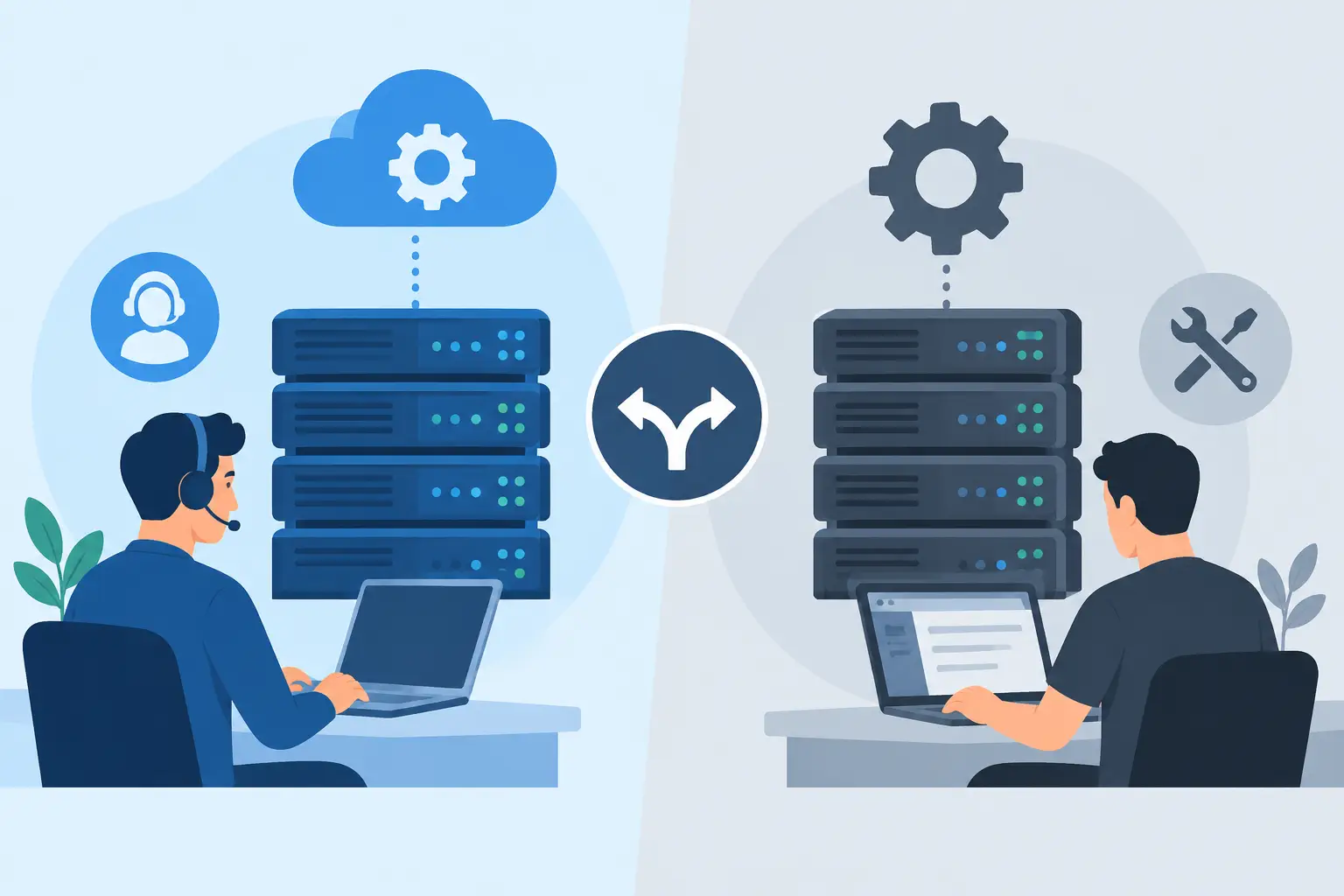
This approach has trade-offs. Separate services can improve performance and fault isolation, but they require configuration, monitoring, and clear ownership. A small team should not adopt a complicated multi-server setup simply because it is technically possible. Managed support can make a meaningful difference here by providing practical guidance on when to keep the environment simple and when it is time to split workloads.
Keep security and recovery in the scaling plan
Growth increases the impact of mistakes. More customers, data, and transactions make basic server hygiene even more important. Keep SSL certificates active, use strong unique credentials, limit administrative access, and apply security updates on a sensible schedule. Account isolation and continuous monitoring also help reduce the chance that one issue becomes a larger outage.
Do not treat backups as a feature you only think about after a failure. Define what data needs protection, how often it changes, and how quickly you would need to recover it. For some sites, daily backups are sufficient. For a busy store or active application, more frequent database protection may be necessary.
It also helps to document your environment as it grows. Record DNS settings, application dependencies, scheduled jobs, backup locations, and the steps required to restore service. That documentation is useful for your team, but it is also invaluable when you need help quickly.
Build a capacity plan instead of reacting to every spike
The most cost-effective scaling strategy is planned capacity. Review traffic, resource trends, and business events on a regular schedule. If you know a holiday campaign, product launch, or client migration is coming, increase capacity and test before the rush arrives.
Set practical thresholds for review rather than waiting for an outage. For example, consistent high memory use, slower page generation, growing database latency, or an increase in support reports can trigger a performance check. The exact threshold varies by application, but the habit of reviewing trends is what prevents last-minute decisions.
A clear upgrade path also matters. You should know whether you can move from shared hosting to a managed cloud VPS, add resources to that VPS, or transition to dedicated infrastructure when your workload requires it. At HillHost, that path is supported with hands-on migration help and real technical guidance, so an infrastructure change does not have to become an operational disruption.
Your server should grow with your work, not become another full-time job. Watch the signals, make measured changes, and keep recovery options close. When growth arrives, that preparation gives you room to welcome it instead of worrying about whether your website can keep up.