A slow checkout page during a busy sales week is not a problem you can solve with a nicer dashboard. Neither is an application that runs out of memory when a campaign sends real traffic its way. The question of cloud VPS versus dedicated servers comes down to how much computing power you need, how predictable that need is, and how much room you want before the next upgrade.
For many growing websites, both are a major step up from shared hosting. They provide more control, more consistent resources, and a better foundation for business-critical work. The right choice is not always the biggest server. It is the setup that supports your current workload without making you pay for capacity you will not use.
What Actually Changes Between These Hosting Options?
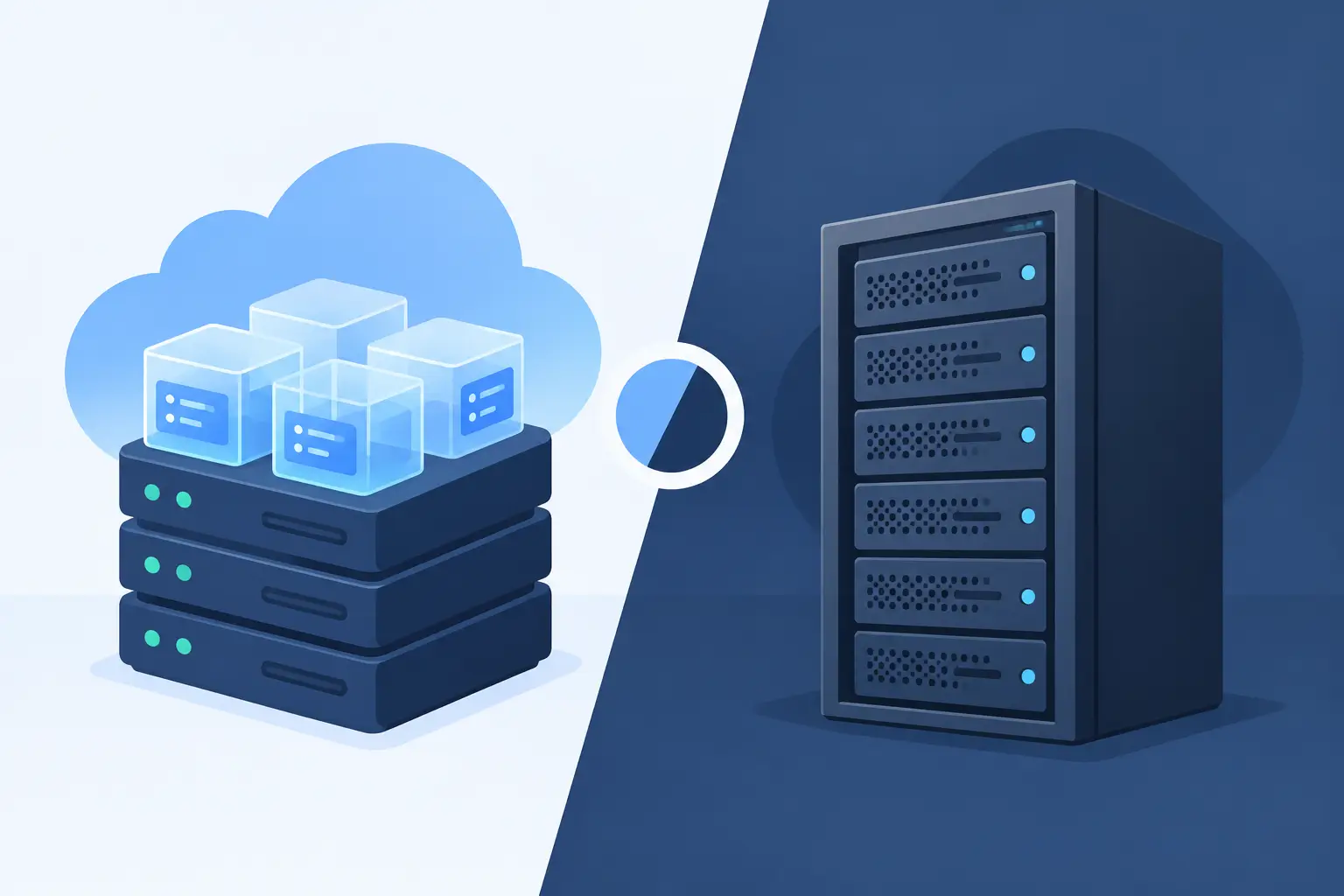
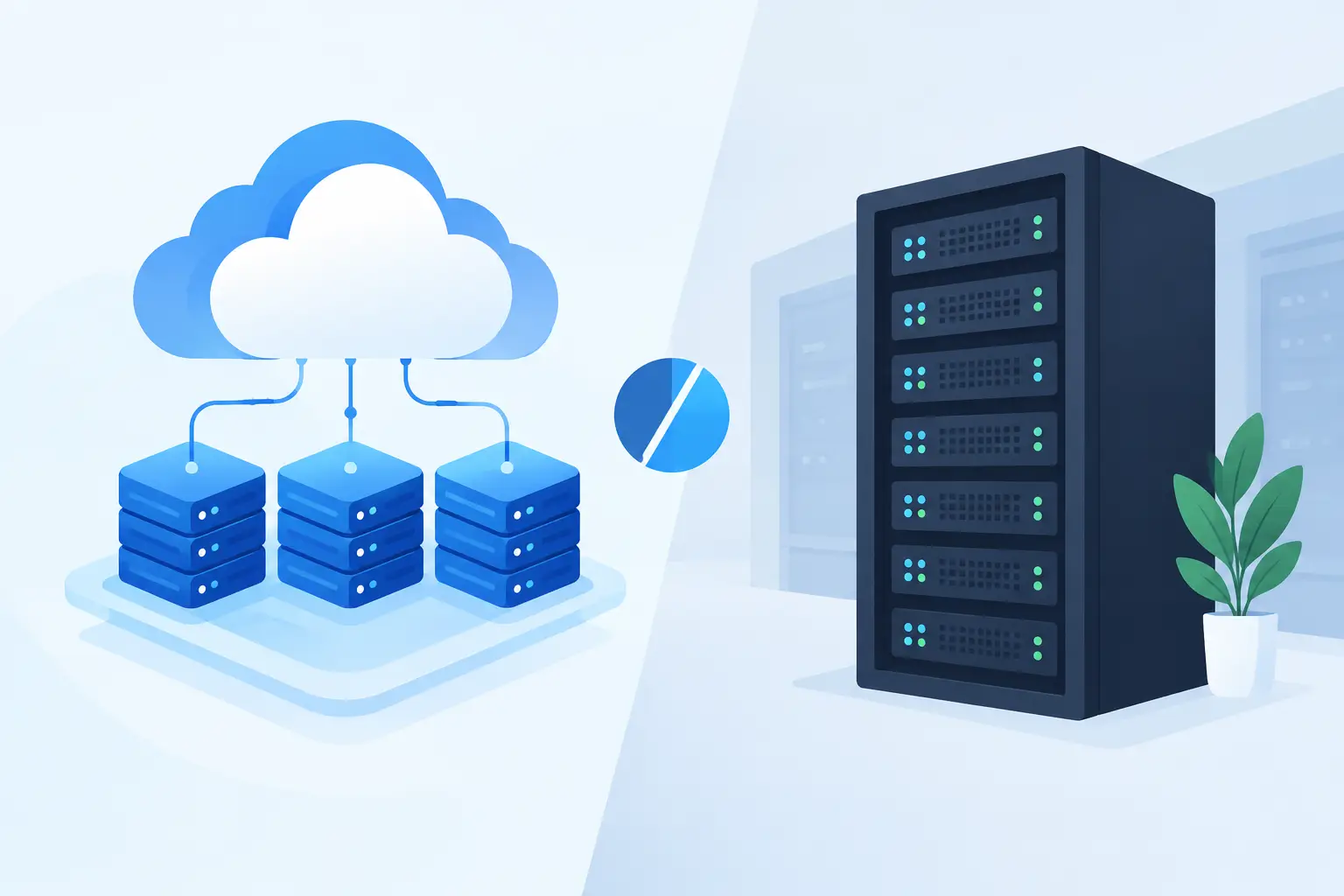
A cloud VPS is a virtual private server. Your hosting environment runs as an isolated virtual machine within a larger cloud infrastructure. You receive assigned CPU, RAM, storage, and other resources, while the underlying platform is built to make upgrades and recovery more flexible.
A dedicated server is a full physical server reserved for your use. No other customer's websites or applications share that machine. You have access to the server's complete set of hardware resources, which can be useful when workloads are consistently demanding or require a particular configuration.
Both can run websites, online stores, databases, client portals, and custom applications. The difference is less about what they can host and more about how they deliver capacity, scale, and control.
Cloud VPS Versus Dedicated Servers at a Glance
| Consideration | Cloud VPS | Dedicated Server | | --- | --- | --- | | Resources | Assigned virtual CPU, RAM, and storage | Full physical server resources | | Scaling | Usually easier to increase resources | Often requires planning or a server change | | Cost | Lower entry cost and gradual upgrade path | Higher cost for full hardware access | | Best for | Growing sites, agencies, apps, and stores | High, steady workloads and specialized needs | | Management | Can be managed or self-managed | Can be managed or self-managed |
The table is useful for orientation, but traffic alone should not make the decision. A site with modest visits can need substantial server resources if it runs complex searches, a large product catalog, membership features, background jobs, or a busy database. On the other hand, a content site with high traffic may run comfortably on a properly sized VPS if its pages are well optimized and cached.
When a Cloud VPS Makes Sense
A cloud VPS is often the practical next step for a business that has outgrown shared hosting but does not need an entire physical server. It gives you dedicated allocations and more control over the environment without committing to hardware sized for a much larger operation.
This is a strong fit for WordPress sites with growing traffic, WooCommerce stores, agencies hosting multiple client projects, and startup teams that expect requirements to change. If your application needs more memory after a feature launch, or your store needs more capacity before a seasonal promotion, a VPS can provide a more straightforward path to additional resources.
Cloud VPS plans also work well when recovery planning matters. Snapshots, daily backups, and monitoring give you practical safeguards when updates, configuration changes, or unexpected issues arise. Backups are not a substitute for good site management, but they can turn a difficult incident into a recoverable one.
The trade-off is that a VPS has defined resource limits. It is not an unlimited environment simply because it is called cloud hosting. A poorly optimized database, an overloaded plugin stack, or a memory-hungry application can still need a larger plan or a different architecture.
When a Dedicated Server Is Worth It
Dedicated servers are built for organizations with sustained demand. If your workload regularly needs high CPU capacity, large amounts of RAM, fast disk activity, or intensive database processing, having an entire physical machine can offer the consistency you need.
They can be a good choice for high-volume ecommerce, large agency environments, databases with heavy read and write activity, media processing, game services, analytics workloads, or custom applications with specialized system requirements. Dedicated hardware may also be appropriate when you need tight control over operating system settings, networking, storage layout, or security policies.
The key word is sustained. A dedicated server is not always the best answer to occasional spikes. If demand rises sharply for a few days and then returns to normal, a cloud VPS may be more economical and easier to adjust. Dedicated infrastructure earns its place when performance needs are steady enough to justify reserving the full machine.
A dedicated server also brings more responsibility. Even with managed support, you should understand who handles operating system updates, security hardening, monitoring, backups, application troubleshooting, and performance tuning. The server itself may be powerful, but it still needs careful administration.
Do Not Treat Security as a Hardware Decision
Dedicated hardware can reduce the number of parties sharing the physical machine, but it does not automatically make a website secure. Security depends on updates, access controls, firewall rules, malware monitoring, encrypted connections, backups, and the way the site or application is built.
Likewise, a well-managed cloud VPS can be a secure home for a business website. Account isolation, free SSL certificates, active monitoring, and a clear patching process matter more than a simple label on a hosting plan. For stores and client-facing applications, ask how backups are handled, where they are retained, what support is available during an incident, and what you are responsible for maintaining.
A Better Way to Choose
Start with the workload, not the plan name. Look at current CPU and memory use, database activity, storage needs, traffic patterns, and the applications running behind the site. If you are moving from another host, real usage data is more useful than a guess based on monthly visitor counts.
Then consider the next 12 months. Are you adding client accounts, launching a membership program, expanding a catalog, building an API, or expecting paid campaigns to increase traffic? Choose enough headroom for reasonable growth, but avoid jumping to a dedicated server solely because it sounds more professional.
Support should also be part of the calculation. A nontechnical business owner may get better results from a managed VPS with a knowledgeable team available to help than from a powerful unmanaged dedicated server. Agencies and developers may value the control of dedicated hardware, but still benefit from having real people available when a migration, outage, or server-level issue needs attention.
At HillHost, the goal is to give customers a clear upgrade path rather than push them into more infrastructure than they need. A managed cloud VPS can be a sensible bridge between a growing website and a future dedicated environment, especially when migration help and post-migration guidance reduce the risk of moving.
Plan for the Move, Not Just the Server
Changing hosting should not mean crossing your fingers after updating DNS. Before moving, confirm what will transfer: website files, databases, email, SSL certificates, scheduled tasks, DNS records, and any custom server settings. Test the site in its new environment before finalizing the change, then watch logs, performance, and forms closely after launch.
Whether you choose a cloud VPS or a dedicated server, leave room to grow and make sure someone is accountable when something needs attention. The best hosting decision is the one that lets you focus on serving customers while your infrastructure has a dependable, well-supported place to run.