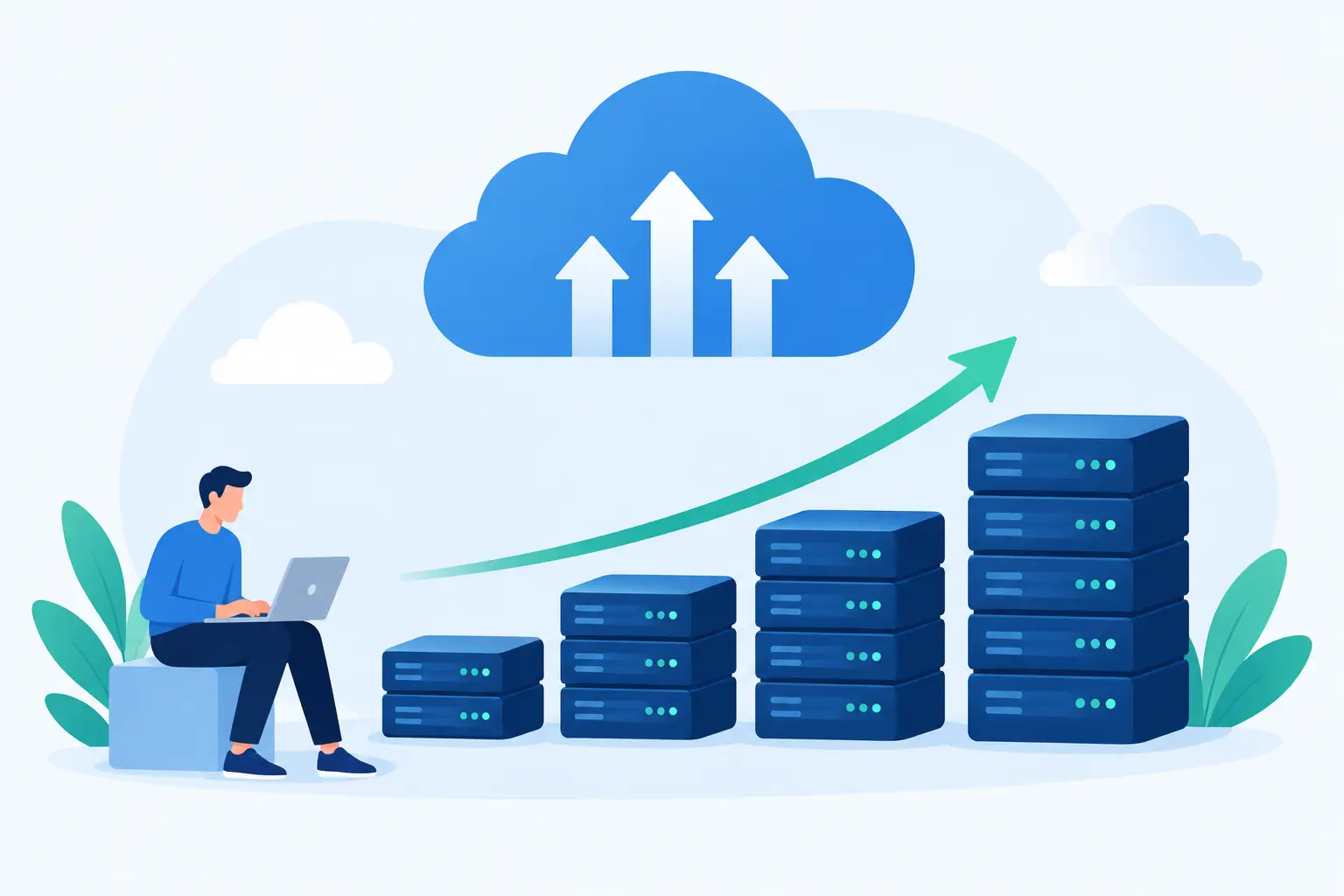
A cloud server scaling guide should begin before your website is slow, unavailable, or losing sales. The right time to plan is when your site is working well enough to show you what normal demand looks like - and where growth could put pressure on it. For a business website, online store, agency project, or growing WordPress site, scaling is less about buying the biggest server and more about adding the right resources at the right time.
A Cloud Server Scaling Guide Starts With Your Workload
Every website uses server resources differently. A brochure site with a few thousand monthly visitors may need modest CPU and memory. An online store, membership site, learning platform, or busy WordPress installation can use far more resources even with similar traffic because it handles logins, cart activity, database requests, search queries, and dynamic content.
Start by looking at patterns, not one isolated busy day. Review CPU usage, memory usage, disk space, bandwidth, response times, and database activity over several weeks. If you run scheduled campaigns, product launches, seasonal promotions, or live events, include those periods in your review. A server that looks fine on an average Tuesday may struggle when a promotion sends hundreds of visitors at once.
It also helps to separate a traffic problem from an application problem. A slow site is not always underpowered. Heavy plugins, inefficient database queries, unoptimized images, missing caching, or outdated software can create delays that additional server resources only partially solve. Fixing those issues first can make an upgrade more effective and keep costs reasonable.
Know the Signs That It Is Time to Scale
Consistently high resource use deserves attention. If CPU or memory regularly stays near its limit, your server has little room to handle ordinary fluctuations. Visitors may see slow pages, failed checkout attempts, dashboard timeouts, or intermittent errors long before the site goes completely offline.
Other warning signs include growing disk usage, a database that takes longer to respond, and a sudden increase in support alerts. For example, a WordPress site can become memory constrained after adding ecommerce features, a page builder, marketing tools, and multiple security plugins. Each addition may seem small, but together they change the server profile.
Temporary spikes are different from sustained growth. A short traffic surge may call for better caching, a content delivery network, or a planned temporary capacity increase. If higher usage continues after the campaign ends, your site has likely outgrown its current plan. The distinction matters because permanent upgrades should support real operating needs, not an unusual one-day event.
Watch business signals too
Infrastructure metrics tell part of the story. Business changes often predict scaling needs earlier. A larger product catalog, new customer portal, more client sites, expanded email campaigns, or a growing remote team can all increase demand before visitors report a problem.
Agencies and resellers should plan ahead when onboarding new clients. Each site may be small on its own, but resource use becomes harder to predict as client accounts, staging environments, backups, and update schedules accumulate. Account isolation and clear resource boundaries help protect one busy site from affecting the others.
Choose the Right Way to Scale
There are two common ways to scale a cloud environment: vertically and horizontally. Vertical scaling means giving one server more CPU, memory, storage, or processing capacity. Horizontal scaling means distributing work across multiple servers or instances.
For many small businesses and growing sites, vertical scaling is the practical first move. Moving from shared hosting to a managed cloud VPS, or increasing VPS resources, provides more dedicated capacity while keeping the environment familiar. It is generally easier to manage, especially when your website and database run together and your team does not want to maintain a complex application architecture.
Horizontal scaling can make sense for high-traffic applications that need redundancy, separate web and database layers, or the ability to handle large bursts of concurrent activity. It comes with trade-offs. Load balancing, shared file storage, session management, database replication, and deployment processes all need careful planning. More servers can improve capacity, but they also introduce more moving parts.
The goal is not to build enterprise infrastructure for a local business site that does not need it. It is to choose an approach that matches your traffic, application complexity, budget, and internal technical capacity.
Prepare Before You Upgrade Resources
Scaling is safer when you treat it as a planned change rather than an emergency repair. Record your current server configuration, software versions, key settings, and recent performance data. Confirm that reliable backups are running and that you know how to restore them. Daily backups and snapshots provide a safety net, but a recovery plan is more useful when it has been reviewed before trouble starts.
Next, identify dependencies. Your website may rely on a payment gateway, third-party APIs, DNS records, email delivery service, scheduled jobs, or a separate database. An upgrade may not affect all of these, but understanding the connections helps prevent surprises.
Schedule changes outside your busiest hours whenever possible. Even a well-managed upgrade can involve a short restart, cache warm-up period, or DNS adjustment. Let staff know what is changing, what to test afterward, and who will receive alerts if something does not behave as expected.
Test the experience users actually have
After scaling, do more than confirm that the site loads. Test the paths that make or save money: submitting a contact form, logging in, adding an item to a cart, completing checkout, uploading files, and accessing account areas. Check both desktop and mobile behavior.
Then monitor the server through the next traffic cycle. A resource upgrade may reveal a separate bottleneck in the database, application code, or external service. Good scaling is an ongoing process of measuring, improving, and verifying results.
Improve Efficiency Before and After Scaling
More capacity is valuable, but efficient sites get more from every resource. Enable page and object caching where appropriate, optimize images, use current PHP and database versions supported by your application, and remove unused themes, plugins, and extensions. Keep software updated, but test major changes first, particularly for ecommerce and membership sites.
Database housekeeping also matters. Over time, revision data, expired transients, logs, spam entries, and old application records can create unnecessary overhead. Cleanups should be deliberate and backed up, not rushed. Removing the wrong data can create more trouble than a slightly oversized database.
Security belongs in the scaling plan as well. Growth increases visibility, and busy sites can be targeted by automated abuse, login attacks, and resource-hungry bot traffic. SSL certificates, account isolation, monitoring, sensible access controls, and security updates all help protect performance as well as data.
Keep Support in the Plan
The best scaling plan includes a person or team who understands the environment. This is especially helpful when a site is moving from shared hosting to managed VPS resources, when performance issues involve several possible causes, or when a business cannot afford extended troubleshooting during a launch.
At HillHost, managed support can help customers assess resource needs, migrate without unnecessary disruption, and make a clear next-step decision rather than guessing at server specifications. That human guidance matters because the right answer depends on the site, not just a chart of CPU and RAM numbers.
A good next step is to establish your baseline now: document normal usage, set alerts before limits are reached, and decide which change you will make first when demand rises. That preparation gives your website room to grow without turning growth into an emergency.