A plugin update breaks your checkout page. A deployment changes a setting no one documented. A developer removes a file that looked unused until the site stops loading. These are the moments when cloud VPS hosting with snapshots earns its place in a business hosting plan. Instead of treating every server change as a high-stakes event, you create a known-good recovery point before the work begins.
For growing websites, stores, agency projects, and applications, snapshots are not a replacement for care. They are a practical safety net that makes necessary change less stressful and recovery far faster when something goes wrong.
What a VPS snapshot actually captures
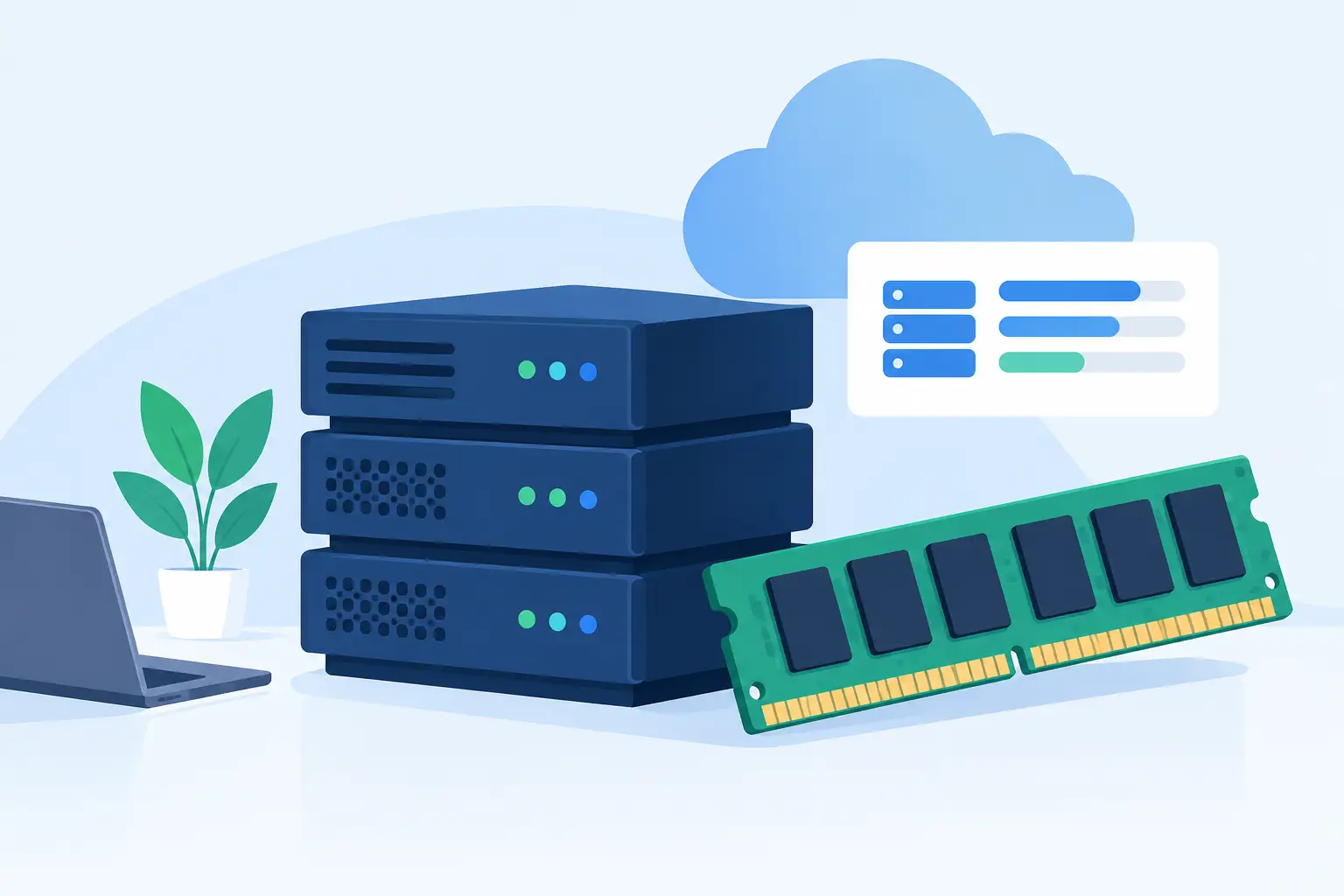
A snapshot is a point-in-time image of your virtual private server. Depending on the platform and configuration, it can preserve the server disk, operating system, installed software, configuration files, databases, website files, and application state at the time it was taken.
Think of it as a saved version of the server itself, not just a copy of one folder. If a change causes trouble, restoring a snapshot returns the VPS to the condition it was in when that snapshot was created. That can be much quicker than tracking down every altered setting, reinstalling packages, or rebuilding an environment from scratch.
This matters because modern sites depend on more than web pages. A WordPress site may rely on PHP settings, a caching layer, database permissions, email routing, scheduled tasks, and a collection of plugins. A custom application may have dependencies, environment variables, background workers, and deployment scripts. A file-only backup may help with some losses, but it may not return the full working server configuration.
Snapshots and backups serve different jobs
Snapshots are often confused with backups because both help recover data. The difference is in their purpose and timing.
A snapshot is usually an immediate operational checkpoint. You take one before a planned change, such as a control panel upgrade, a major WordPress update, a server configuration adjustment, or a new application release. If the change fails, you can roll back to a recent state.
Backups are part of a longer-term data protection strategy. They should run on a schedule, be retained according to your needs, and ideally be stored separately from the server they protect. Daily backups can help recover a database from last week, restore a deleted account, or investigate an issue discovered after several days.
The practical approach is to use both. Take a snapshot before making a meaningful infrastructure or application change. Keep regular backups for recovery from older incidents, accidental deletion, corruption that went unnoticed, or a broader server problem. If a provider presents snapshots as the only protection you need, ask how backup retention and off-server storage are handled.
When cloud VPS hosting with snapshots makes sense
Not every site needs a VPS on day one. A small brochure site with limited traffic and few changes may be well served by quality shared hosting with daily backups and managed updates. But once your site needs dedicated resources, custom software, stronger isolation, or more control over its environment, a managed cloud VPS becomes a sensible next step.
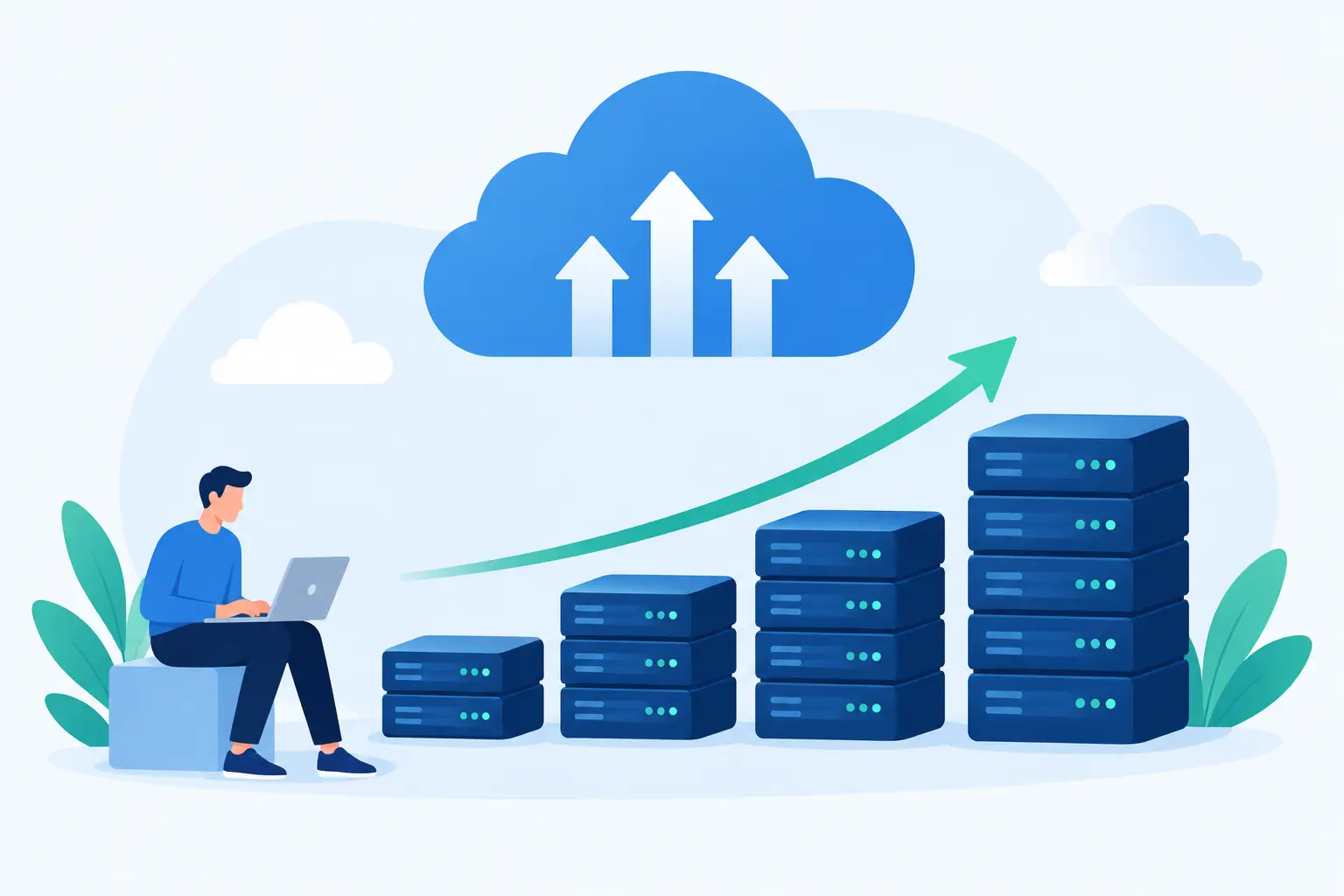
Snapshots are especially useful when your server changes regularly. That includes online stores preparing for seasonal campaigns, agencies maintaining multiple client sites, SaaS teams releasing new code, and developers testing server-level changes. They also help businesses moving from a shared account to a more customized environment, where the number of moving parts tends to increase.
Consider a few common situations. Before upgrading PHP, take a snapshot. Before updating a group of WordPress plugins on a revenue-generating site, take a snapshot. Before changing firewall rules, installing a new service, or adjusting database settings, take a snapshot. The process is simple, but it creates room to act carefully instead of hoping every change works on the first attempt.
A snapshot is only useful if recovery is planned
Creating snapshots is easy. Using them well requires a small amount of discipline. The most effective teams decide in advance what should trigger a snapshot, how long it should be kept, and who can authorize a restore.
Name snapshots clearly. A label such as “Before WooCommerce 9.0 update - May 14” tells you far more than “snapshot-02.” When a problem appears later, you need to know which recovery point was taken before the change that caused it.
Timing matters, too. Take the snapshot immediately before the planned work, not days ahead. If your site receives orders, form submissions, member registrations, or other changing data, restoring an older snapshot may also roll back valid activity that happened after the snapshot was created. That trade-off is manageable, but it should be understood before restoration begins.
For a busy ecommerce site, a full VPS restore may not always be the right first response. You may need to preserve recent orders or export the current database before rolling back server files and settings. In other cases, restoring a single file, database table, or application release may be safer than restoring the whole server. The right choice depends on what failed and what new data has been created since the checkpoint.
Use snapshots before change, not after trouble starts
A good operating habit is straightforward: snapshot, change, test, then clean up. That routine protects the server while preventing a pileup of old recovery points that are no longer useful.
Before the change, confirm that the snapshot completed successfully. Then make the update and test the parts of the site that matter most. For an online store, that may mean product pages, cart behavior, checkout, confirmation emails, and payment processing. For a lead-generation site, test forms, notification emails, page speed, and mobile navigation. For an application, check login, key workflows, scheduled tasks, and error logs.
If everything works, retain the snapshot for a period that fits the risk of the change, then remove it according to your storage policy. If something breaks, pause further changes and identify whether a targeted fix is possible. A snapshot restore is a strong option, but it is still a rollback. It should be used deliberately rather than as a substitute for testing.
Questions to ask before choosing a VPS plan
Snapshot features vary more than many buyers expect. Some plans include a limited number of snapshots, while others charge by storage use or retain them for a defined period. The details affect both cost and recovery confidence.
Ask how many snapshots are included, whether you can create them on demand, and how long they remain available. Find out whether restoring a snapshot can be done through the customer portal or requires support assistance. Also ask what the snapshot captures, whether it affects server performance while running, and whether it is stored independently from routine backups.
Support matters here. A nontechnical business owner may know that a site failed after an update but not know whether the safest response is a full restore, a database recovery, or a configuration correction. A hosting team that can review the situation and explain the options is more valuable than a dashboard button alone.
For technical teams, the same principle applies at a different level. Clear access controls, predictable retention, and a documented recovery process make snapshots fit into a release workflow instead of becoming an emergency-only feature.
Managed help keeps recovery from becoming a second problem
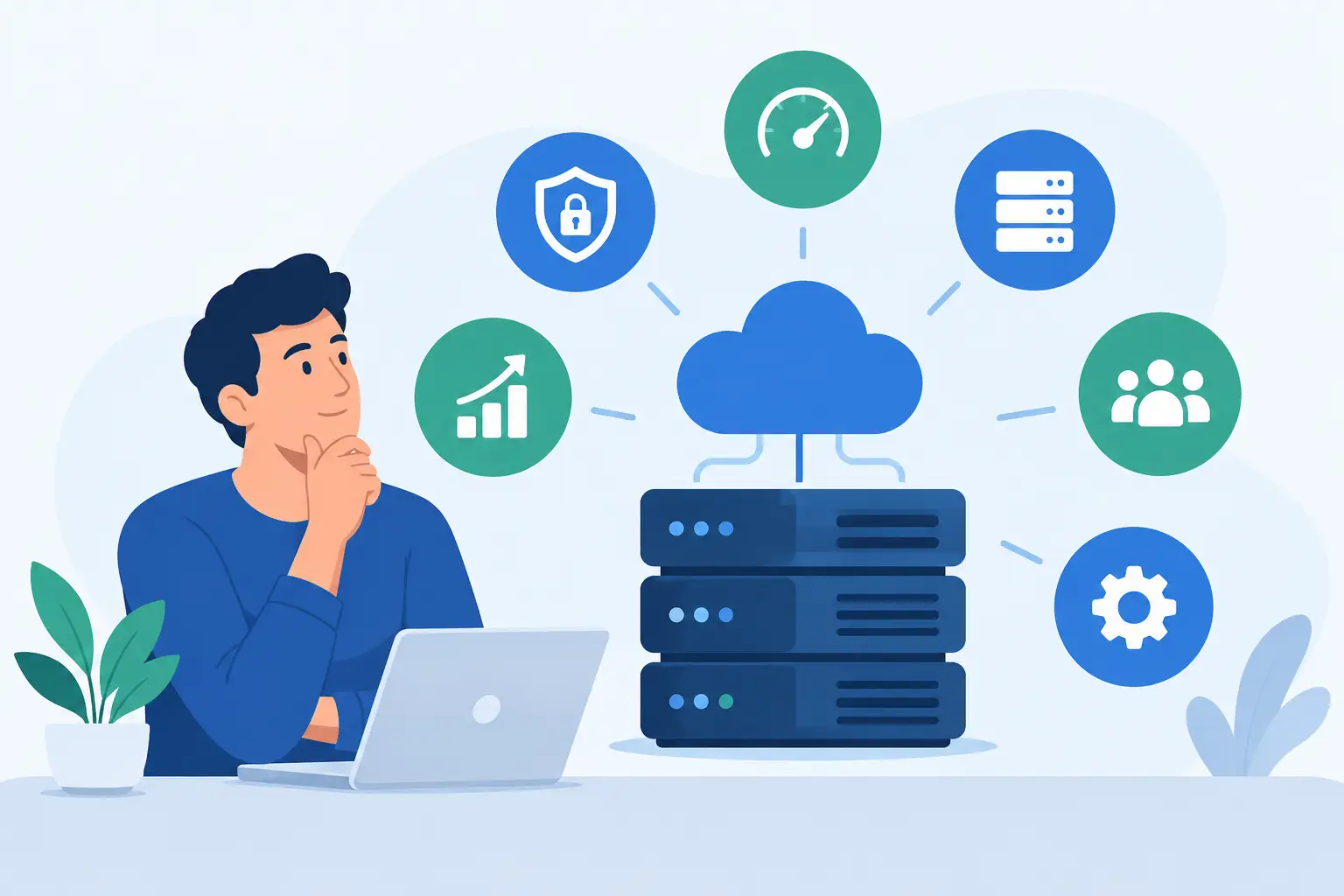
A VPS gives your project room to grow, but it should not force you to become a full-time server administrator. Managed cloud VPS hosting can combine dedicated resources and server flexibility with practical help for updates, monitoring, security concerns, and recovery decisions.
At HillHost, the goal is not to hand you infrastructure and leave you to sort out an outage alone. Human technical support can help you understand the recovery path, whether that means checking an issue first, restoring a snapshot, or using a backup when an older recovery point is needed.
Snapshots work best when they are part of a calm, repeatable process. Make a checkpoint before meaningful changes, test after each release, and keep dependable backups for the problems that take longer to discover. That small habit can turn a stressful site issue into a fixable interruption instead of a long night rebuilding what was already working.