An AI agent hosting review should start with a practical question: what happens when your agent needs to work while you are not watching it? A chatbot that answers a few questions on a website is one thing. An agent that reads internal documents, connects to a CRM, triggers workflows, or helps customers make decisions needs a dependable home, clear limits, and real support when something changes.
For small businesses and growing teams, the best option is rarely the provider with the longest feature list. It is the one that gives your agent enough computing power, protects the data it touches, and leaves you with a clear path to get help from a person.
What AI agent hosting actually includes
AI agent hosting is the infrastructure and operational support that keeps an AI agent available. Depending on the setup, that can include the server where the agent runs, the database that stores its memory or knowledge base, security controls, monitoring, backups, software updates, and assistance with deployment.
This is different from simply paying for an AI model API. The model supplies intelligence, but your hosting environment determines how your agent receives requests, stores context, connects to business tools, and stays online. If the agent is part of a customer-facing workflow, that distinction becomes very real very quickly.
A simple internal assistant may run well on modest managed resources. A public support agent, lead-qualification tool, or workflow agent may need more memory, stronger isolation, better logging, and capacity that can grow with demand. The right fit depends on what the agent does and what data it handles.
AI agent hosting review: the criteria that matter
A useful review looks beyond a promise of "AI-ready" hosting. Many platforms can host an application. Fewer make the operating side manageable for a business that does not want to spend every week maintaining servers.
Privacy and data boundaries
Start with the information your agent can access. If it uses product documentation that is already public, your risk is lower than an agent that can see customer records, account details, contracts, or internal files.
Ask where prompts, logs, conversation histories, embeddings, and uploaded documents are stored. Find out whether your environment is separated from other customers and whether access can be limited to the people who need it. You should also understand which outside services receive data when the agent calls an AI model or integration.
Private hosting does not eliminate the need for careful configuration. It does give you more control over the application, its storage, and who can administer it. For business use, that control is often worth more than a low introductory price.
Reliability under real use
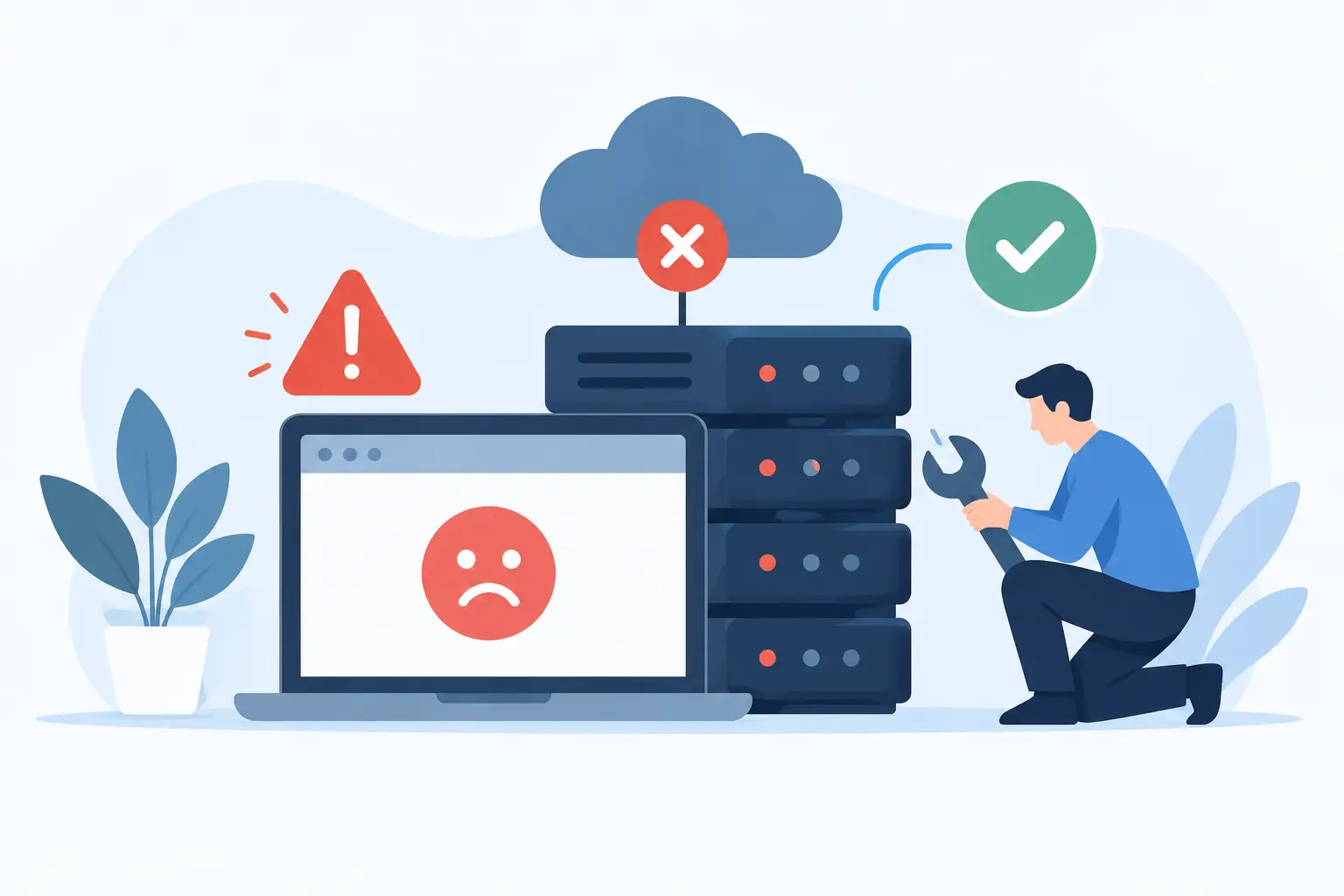
An agent can fail in ways a standard website does not. A visitor may wait while it retrieves documents, calls an external service, or processes a longer request. Timeouts, memory limits, queue failures, and rate limits can all affect the experience.
Look for hosting that includes active monitoring, reliable storage, regular backups, and a defined way to restore service when an update goes wrong. Snapshots are especially useful for agents because a configuration change, new integration, or application update can create unexpected problems.
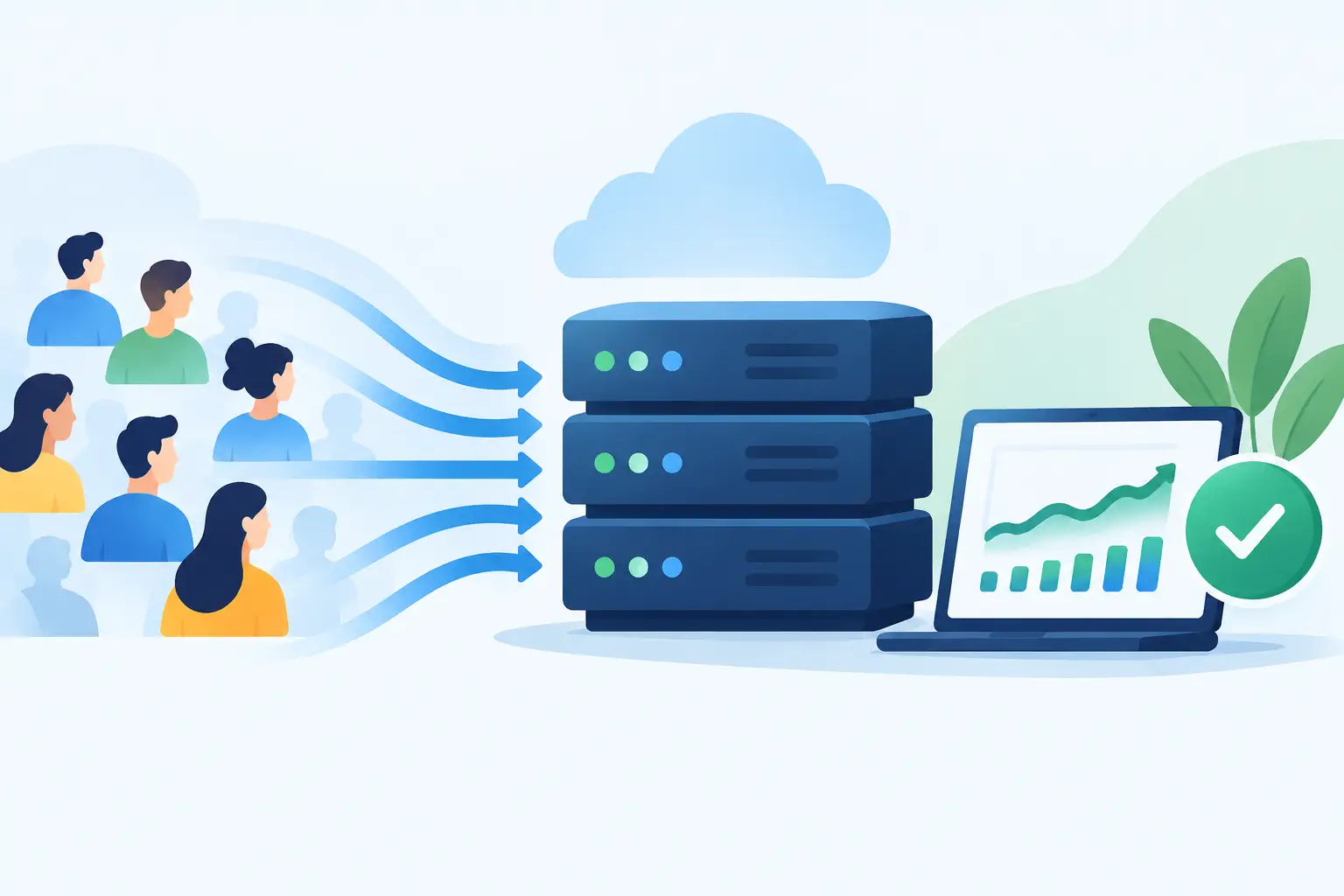
Also consider predictable spikes. A campaign, product launch, or busy support period can send far more requests than normal. The provider does not need to promise unlimited resources, but it should offer a straightforward upgrade path before slowdowns affect customers.
Managed support versus server access
There is a genuine trade-off here. Developers may want full control of the operating system, packages, containers, and deployment process. Nontechnical teams usually want the agent available without learning how to diagnose a failed service at 10 p.m.
Managed AI agent hosting should make those responsibilities clear. The provider may manage the server, operating system updates, security monitoring, backups, and infrastructure health, while your team manages the agent's prompts, business rules, data sources, and integrations. That division is sensible, but it should never be vague.
Before choosing a plan, ask who responds when the agent is unreachable, an SSL certificate needs attention, the server needs more resources, or a deployment causes an outage. Human technical support matters because agent problems often sit between application behavior and infrastructure behavior. A generic help article cannot always tell you which side is responsible.
Integrations and deployment fit
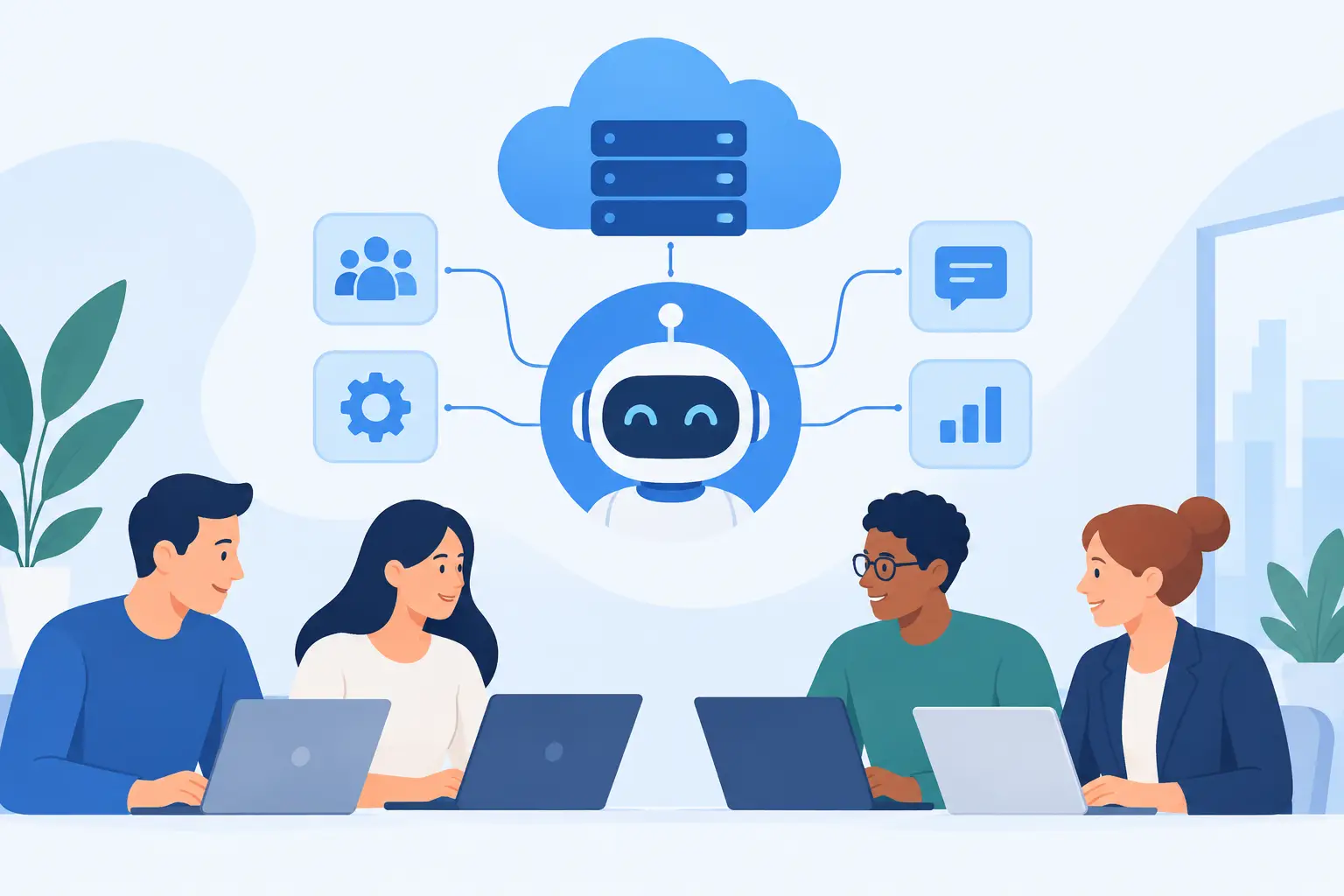
An AI agent is rarely useful in isolation. It may need to connect with a website, forms, email, calendars, databases, payment systems, help desk software, or a CRM. Your hosting needs to support the application framework and deployment method behind those connections.
For a lightweight agent, that may mean a secure web endpoint and scheduled tasks. For a more advanced build, you may need a managed cloud VPS with dedicated resources, persistent storage, container support, background workers, and controlled network access.
Do not pay for a large server simply because the word AI appears in the plan name. On the other hand, do not place a growing agent on an environment built only for a basic brochure site. The goal is a stable starting point with room to expand, not unnecessary complexity on day one.
Cost clarity over headline pricing
AI agent costs can be spread across several services: hosting, AI model usage, database storage, vector search, monitoring, and third-party integrations. A low hosting rate is helpful, but it is not the whole monthly picture.
Ask what is included in management, backups, storage, support, and resource upgrades. Check whether scaling requires a disruptive migration or can happen within the same hosting relationship. Clear pricing makes it easier to plan when an experimental project becomes an operational part of the business.
Which hosting setup fits your agent?
A private managed AI Agent service is a strong choice when you want an experienced hosting team to handle the infrastructure side while your business focuses on the agent's role. This can work well for customer support assistants, internal knowledge tools, and workflow helpers that need a controlled environment without a full-time server administrator.
A managed cloud VPS is often the better match when developers need more flexibility. It provides dedicated resources and room for custom application stacks, while managed support can reduce the burden of maintaining the underlying server. This is a practical step for teams building agents with custom APIs, background jobs, or multiple integrations.
Dedicated servers make sense for high-volume workloads, strict resource requirements, or projects that need greater isolation. They are not automatically better for every agent. If usage is still uncertain, starting with a scalable VPS can be more cost-effective and easier to adjust.
Shared hosting is generally best reserved for the public website around the agent, not the agent workload itself. A landing page, documentation hub, or WordPress site may run very well there, while the agent operates in an environment designed for its application needs.
Questions to ask before moving an agent
Before selecting a provider, get direct answers to these questions:
- What part of the stack will you manage, and what part will my team manage?
- How are backups handled, and how quickly can a working version be restored?
- Can resources be increased without rebuilding the project elsewhere?
- What monitoring is included, and how does support respond to an incident?
- Where will my data, logs, and agent memory live?
- Can the hosting environment support the framework and integrations I plan to use?
The answers reveal more than a comparison chart. They show whether the provider understands that an agent is an active business system, not just another website folder.
For teams that value hands-on guidance, HillHost offers a private managed AI Agent service alongside scalable VPS and dedicated infrastructure. The benefit is continuity: you can begin with the level of management you need and move to more resources without starting your hosting relationship over.
Make the first deployment easy to support
The strongest first version of an AI agent has a narrow job, limited access, and a documented fallback. If it cannot complete a task, it should pass the person to a human, collect a message, or provide a clear next step. That is better for customers and easier for your team to maintain.
Keep a simple record of its data sources, integrations, update schedule, and the person responsible for reviewing its output. Pair that operational discipline with hosting that includes monitoring, backups, and reachable technical support, and your agent has a far better chance of becoming useful rather than becoming another system your team worries about.