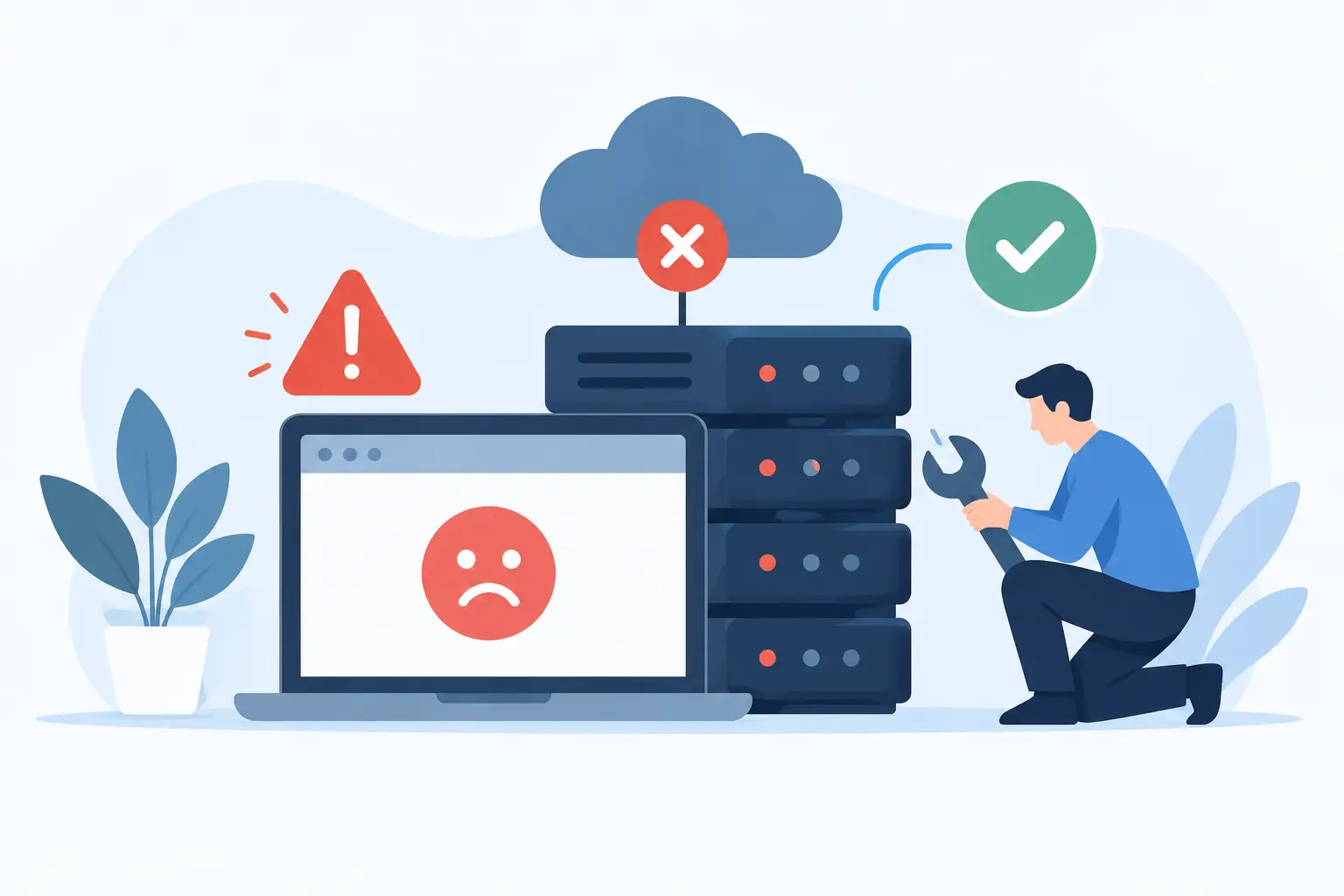
A website that goes down during a product launch, a busy sales weekend, or a customer’s first visit is not just a technical inconvenience. It can mean missed calls, abandoned carts, damaged trust, and time spent chasing answers. So, why does website hosting fail? Usually, it is not one mysterious event. Hosting failures tend to come from a few predictable gaps in capacity, configuration, security, maintenance, or support.
The good news is that most of those gaps can be identified before they become a serious problem. The right hosting plan, regular maintenance, and a provider that answers when something goes wrong can turn hosting from a recurring worry into a dependable part of your business.
Why Does Website Hosting Fail at Critical Moments?
A hosting environment has to keep several moving parts working together: the server, storage, network, website software, database, security tools, and traffic-handling rules. A failure in any one of those areas can make a site slow, unavailable, or unsafe.
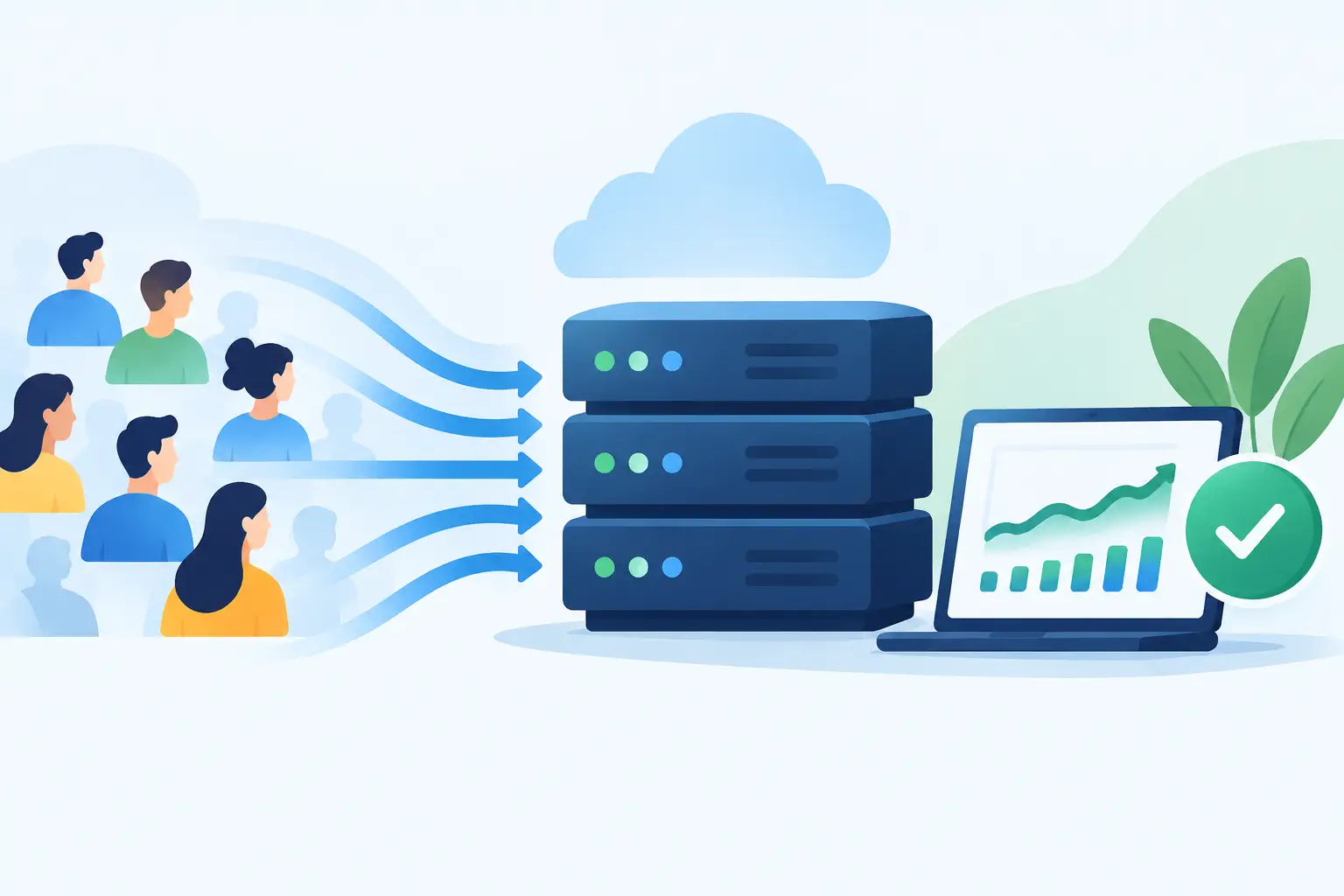
Critical moments expose weak setups because demand is higher than normal. A local business might be featured on the news. A creator may send an email to thousands of subscribers. An agency client may launch a campaign that suddenly multiplies traffic. If the account has too little memory, CPU capacity, or database resources, pages may time out even though the site worked perfectly well the day before.
Not every problem requires an expensive dedicated server. A simple brochure site has very different needs from a busy WooCommerce store, membership site, or custom application. The issue is choosing infrastructure based only on today’s quietest traffic day, with no room for growth or unexpected demand.
The Most Common Reasons Hosting Breaks Down
The plan cannot support the site’s real workload
Shared hosting is often a smart, affordable starting point. But every shared environment has practical resource limits. Large traffic spikes, poorly optimized plugins, heavy database queries, high-resolution media, background jobs, and frequent admin activity can push an account beyond what the plan is designed to handle.
Symptoms may include intermittent 503 errors, slow dashboards, checkout failures, or pages that load normally at one time of day and crawl at another. The best fix is not always an immediate upgrade. First, determine whether the workload is legitimate traffic, inefficient code, an overloaded database, or an automated process running too often. Then choose between optimization and more resources, or both.
A noisy neighbor or weak account isolation
On a poorly managed shared server, one resource-hungry account can affect other customers. That is one reason account isolation matters. It helps contain resource use and security issues so another website’s problem is less likely to become yours.
This is also where low introductory pricing can hide an important trade-off. Cheap hosting is not automatically bad, but a plan should clearly explain its limits and the provider should actively manage the environment. If a host oversells server capacity or has no clear path to a better plan, small problems can become recurring outages.
Software conflicts and missed updates
Hosting is only one layer of website reliability. WordPress core, themes, plugins, PHP versions, ecommerce extensions, caching tools, and custom code all need to work together. An outdated plugin can create errors after a routine update. A theme function may not support a newer PHP version. A security plugin can conflict with a caching configuration.
Leaving software unchanged forever is not safer. Delayed updates can expose known security issues and make a future upgrade harder. On the other hand, updating every component at once without a backup or testing plan can also create downtime. The practical approach is to keep software maintained, use compatible versions, and make sure a restorable backup exists before major changes.
Security attacks consume resources or damage files
Not all hosting failures are traditional outages. A site can appear online while attackers are attempting repeated logins, probing vulnerable files, sending spam through a compromised form, or overwhelming the server with malicious requests. These events can slow down a website, trigger suspensions, or cause visitors to see warnings instead of your content.
Security begins with basics: unique strong passwords, limited administrator access, current software, SSL certificates, and regular backups. For businesses handling customer accounts or payments, it should also include monitoring and a hosting team that can investigate unusual activity rather than leaving you with a generic error message.
Backups exist, but recovery is unclear
A backup only protects a business if it can be restored quickly and correctly. Many site owners learn too late that their backup was incomplete, too old, stored in the same compromised account, or difficult to restore without technical help.
Daily backups provide a useful safety net, but ask practical questions. How long are restore points retained? Are both website files and databases included? Can a specific file or the full site be restored? What help is available if an update or deletion causes a problem? Recovery planning matters because errors happen, even on well-managed sites.
Network, hardware, or data center disruptions
Server hardware can fail. Network routes can have problems. A data center can experience a power or connectivity event. Reputable providers reduce the chance and impact of these incidents through monitoring, redundant systems, replacement procedures, and backups, but no provider can honestly promise that every internet service will be available every second of every day.
What separates a manageable incident from a frustrating one is communication and response. Customers need timely status information, clear ownership, and support staff who can explain what is happening in plain language. A vague “server issue” is not enough when your business depends on the site.
How to Prevent Hosting Problems Before They Start
The most effective prevention is matching the hosting environment to the website you actually run. Start with a realistic view of traffic, the number of plugins or integrations, storage needs, ecommerce activity, and whether visitors need dynamic features such as account logins, searches, bookings, or personalized content.
Then keep a close eye on warning signs. A site that is gradually slowing down, hitting resource limits, generating repeated errors, or needing frequent emergency fixes is telling you something. Waiting for a full outage is rarely the least expensive option.
For most business websites, these practices provide a solid baseline:
- Keep WordPress, themes, plugins, and server software on supported versions.
- Use daily backups and confirm that restores are available when needed.
- Protect accounts with strong passwords and restricted administrator access.
- Monitor disk usage, resource consumption, error logs, and unusual traffic patterns.
- Optimize images, caching, databases, and unnecessary plugins before adding server capacity.
- Move to managed VPS or dedicated resources when consistent demand exceeds shared hosting limits.
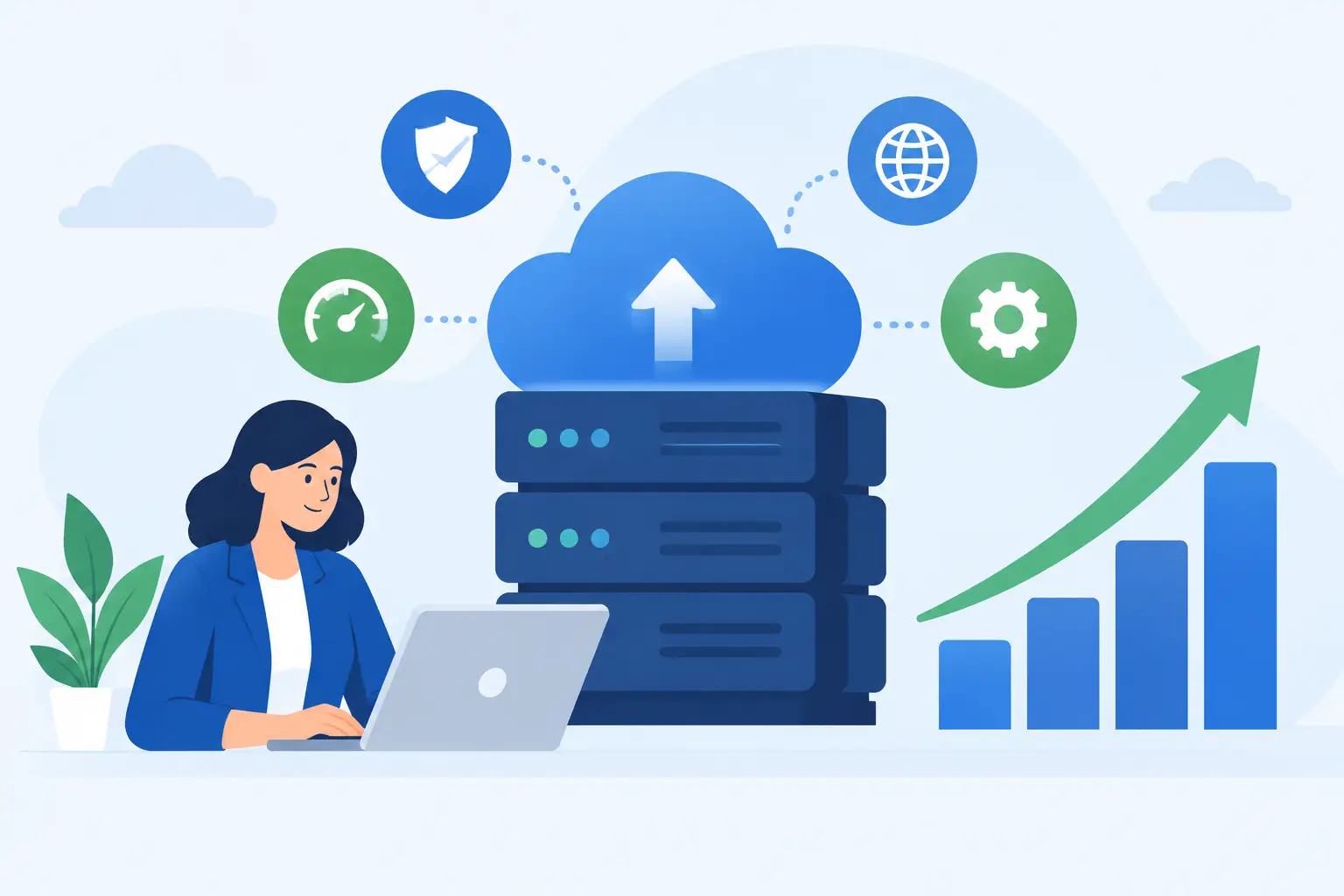
A managed VPS is often the right middle ground for a growing site. It provides more predictable resources and room to configure the environment, while managed support reduces the burden of server administration. Dedicated servers make more sense when applications need substantial, consistent resources, custom configurations, or greater separation from other workloads.
Do Not Overlook Migration and Support
Some businesses remain on unreliable hosting because moving feels riskier than staying. That concern is understandable. A careless migration can create broken links, missing email, database issues, or DNS confusion. But a planned migration should include a copy of the site, testing before the final switch, a backup of the original account, and post-move checks for forms, SSL, email, and key pages.
Support is equally important. Automated tools can identify simple issues, but they cannot replace a technician who reads an error log, recognizes a plugin conflict, or helps a business owner understand whether an upgrade is truly necessary. When you need help, you should not have to translate a vague alert into a support ticket and hope for the best.
HillHost approaches this with hands-on migration help, practical post-migration guidance, and 24/7 human technical support. The goal is not to sell more server than a site needs. It is to make sure there is a clear, supported next step when the site grows.
Your website does not need a perfect, failure-proof internet to be dependable. It needs sensible capacity, current software, recoverable backups, layered security, and real people who can help when the unexpected happens. Those are the details that keep a brief technical issue from becoming a business interruption.