A customer asks about an order, a support request needs a clear next step, or your team needs a quick answer from internal documentation. An AI agent connected to OpenAI and Anthropic can help handle those moments, but only when it is built with clear rules, dependable infrastructure, and human oversight where it matters.
For a small business, agency, or growing online operation, the goal is not to add AI because it is popular. The goal is to reduce repetitive work without giving up control of customer information, business processes, or service quality. Connecting an agent to more than one leading model provider can be part of a sensible plan, provided the setup is managed carefully.
What an AI agent actually does
A chatbot answers a prompt. An AI agent goes further. It can follow instructions, retrieve approved information, use connected tools, and complete a defined sequence of tasks. For example, an agent may read a support ticket, check a knowledge base, draft a response, and send it to a team member for approval.
That does not mean an agent should have unrestricted access to every system in your business. The most useful agents have a narrow job description. They work from trusted sources, operate with limited permissions, and know when to hand a request to a person.
For a WordPress site owner, that could mean helping visitors find service details or collecting the information needed for a support request. For an agency, it may mean organizing client briefs, preparing content outlines, or helping staff locate project documentation. A startup team might use an agent internally to summarize operational notes or assist with first-line customer questions.
Why connect an AI agent to OpenAI and Anthropic?
OpenAI and Anthropic offer powerful language models, but their strengths, pricing, response patterns, and available features can differ over time. Connecting an agent to both gives a business more choice than relying on a single provider for every task.
One model may be the better fit for a high-volume classification task, while another may produce stronger results on long-form analysis or carefully structured replies. The right choice depends on the task, the data involved, acceptable response time, and budget. There is no permanent winner for every use case.
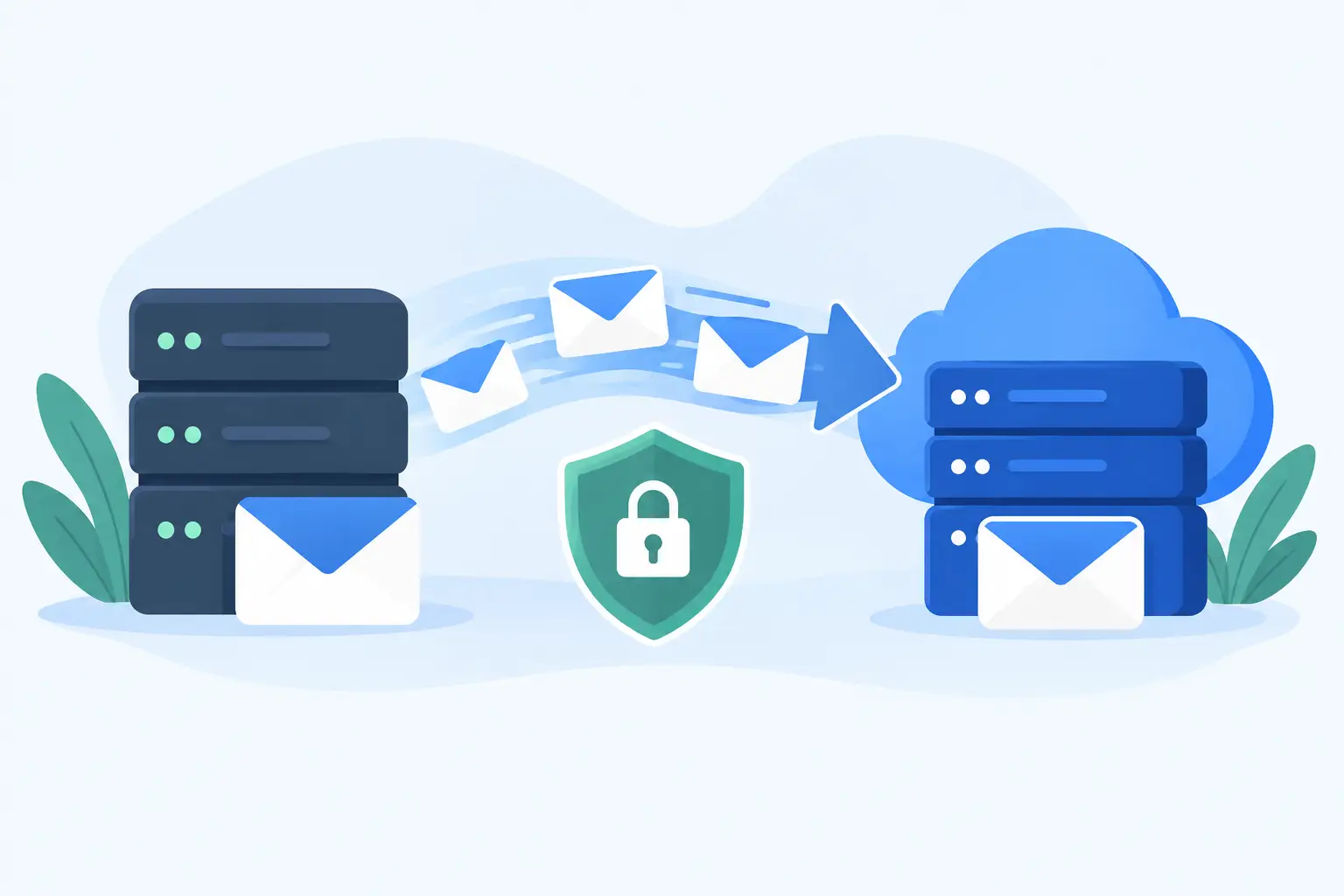
A multi-provider design can also improve continuity. If a provider has temporary capacity issues, rate limits, or a service interruption, a properly configured agent may route certain work to another approved model. That is helpful, but it should not be treated as a magic failover switch. Different models can interpret instructions differently, so each route needs testing before it handles real customer-facing work.
The practical advantage is flexibility. You can select a preferred model for a particular workflow and keep a tested alternative available when business needs change.
Model routing should be intentional
Model routing is the decision process that chooses which model receives a request. The best approach is usually simple at first. Assign one model to one workflow, document why it was chosen, and measure the results.
As usage grows, routing can consider factors such as request type, expected complexity, cost limits, response speed, and whether the task involves sensitive business information. A short FAQ answer does not need the same level of reasoning or token budget as a detailed proposal review.
Avoid switching models randomly from one request to the next. Consistency matters for both customer experience and troubleshooting. If an agent gives a confusing answer, your team should be able to see which instructions, knowledge sources, tools, and model were involved.
Your hosting environment is part of the AI system
An agent is not only a model API connection. It also needs a reliable place to run, a secure way to store credentials, logs that help diagnose issues, and enough resources to support traffic spikes. This is where many otherwise promising AI projects become difficult to manage.
A public-facing agent may need a web application, a database, background workers, API integrations, and a protected area for documents or conversation history. Internal agents may require secure authentication and carefully controlled access to company systems. Those pieces need to work together without exposing sensitive data or making a website slower.
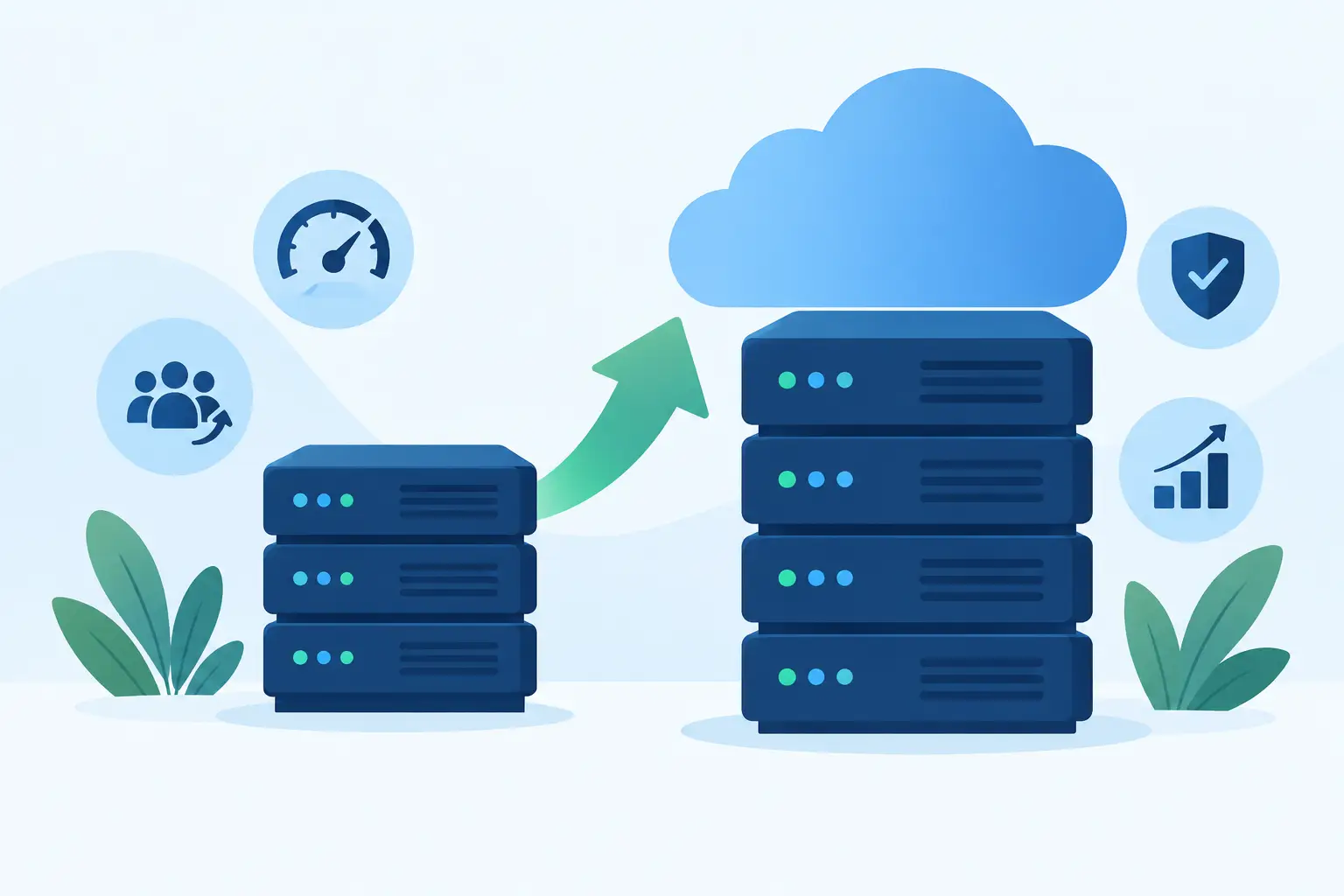
For small experiments, a lightweight environment may be enough. Once the agent becomes part of customer support, lead handling, ecommerce operations, or an agency workflow, managed cloud VPS resources often provide more predictable control. You can separate the application from other websites, adjust resources as traffic grows, and maintain clearer boundaries around the service.
HillHost's private managed AI Agent service is designed for businesses that want help with this operational side rather than assembling and maintaining every component alone. The key question is not simply where the model runs. It is who is monitoring the application, maintaining the environment, and available when a workflow stops behaving as expected.
Keep business data on a short leash
An AI agent can only work with information it can access. That makes permissions one of the most important decisions in the entire project.
Start with the minimum. If an agent only needs published help articles, do not give it access to customer records. If it needs to draft support responses, it may not need permission to close tickets or issue refunds. When actions are involved, use approval steps for higher-risk tasks.
Credentials such as API keys should never be placed directly in website code, public repositories, or browser-side scripts. They should be stored securely, rotated when needed, and limited to the permissions required for their job. Access logs and error monitoring also matter because they provide evidence of what the agent attempted to do when something goes wrong.
You should also decide what conversations and documents are retained. Some businesses need short retention periods. Others need records for quality review or compliance. Either way, establish the policy before collecting data, not after the agent has been live for months.
Give the agent trusted knowledge, not the whole internet
An agent is more useful when it can reference your own approved material: service documentation, return policies, product details, internal procedures, or client project files. This is often called retrieval, meaning the agent looks up relevant information before preparing an answer.
The quality of those source materials matters. Outdated policies, duplicate files, and vague documentation lead to unreliable answers no matter which model you choose. Keep sources organized, set ownership for updates, and make it clear which documents are approved for the agent to use.
For customer-facing uses, instruct the agent to say when it cannot verify an answer. A cautious handoff to a human is far better than a confident but incorrect promise about pricing, availability, refunds, or technical support.
Test the workflow before customers depend on it
A useful AI agent needs more than a few successful demo prompts. Test it with ordinary questions, incomplete requests, misspellings, frustrated customers, conflicting instructions, and attempts to make it ignore its rules. Review not only the final response but also whether it used the correct tools and avoided restricted information.
Set clear success measures. A support assistant might be judged by response accuracy, handoff rate, time saved per ticket, and customer satisfaction. An internal research agent might be measured by source quality, formatting consistency, and the amount of editing required from staff.
Cost deserves attention as well. Model usage can rise quickly when an agent processes long documents, retains extensive chat history, or serves a growing audience. Usage limits, alerts, and sensible caps help prevent a useful tool from turning into an unexpected monthly expense.
Build for support, not just launch day
The strongest AI workflows are designed around the reality that models change, policies change, and business information changes. Prompts need occasional review. Connected tools need maintenance. Staff need a simple way to report bad answers and correct the knowledge source behind them.
This is why human support remains central. AI can handle routine work quickly, but it cannot replace accountability when a customer has a complicated billing issue, a server problem, or a request that falls outside a predefined workflow. Your agent should make it easier for people to do their best work, not make it harder for customers to reach them.
Start with one repeatable task, keep permissions tight, and review real results before expanding. An AI agent connected to OpenAI and Anthropic can become a practical part of your business operations when the technology has a dependable home and a real team behind it.