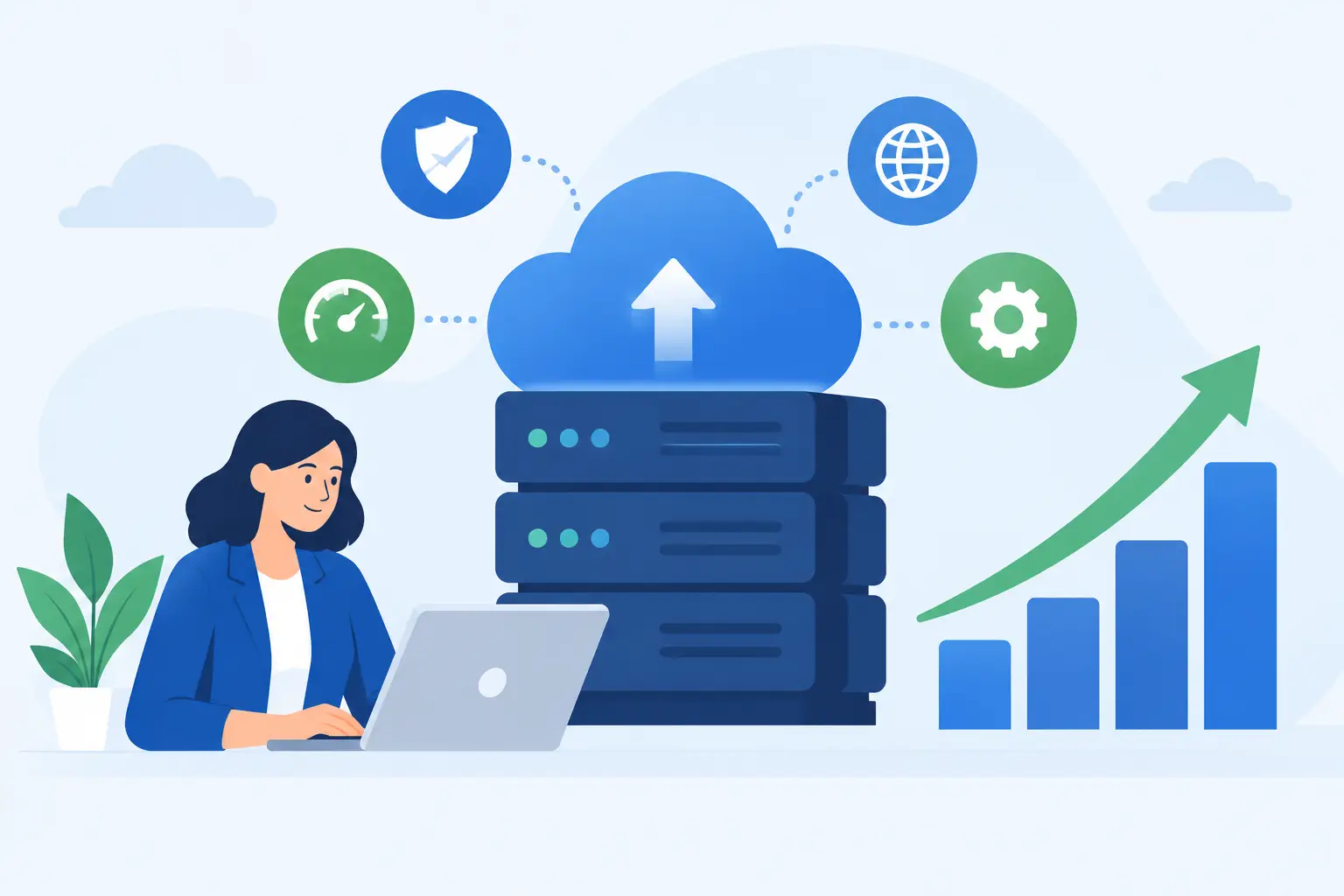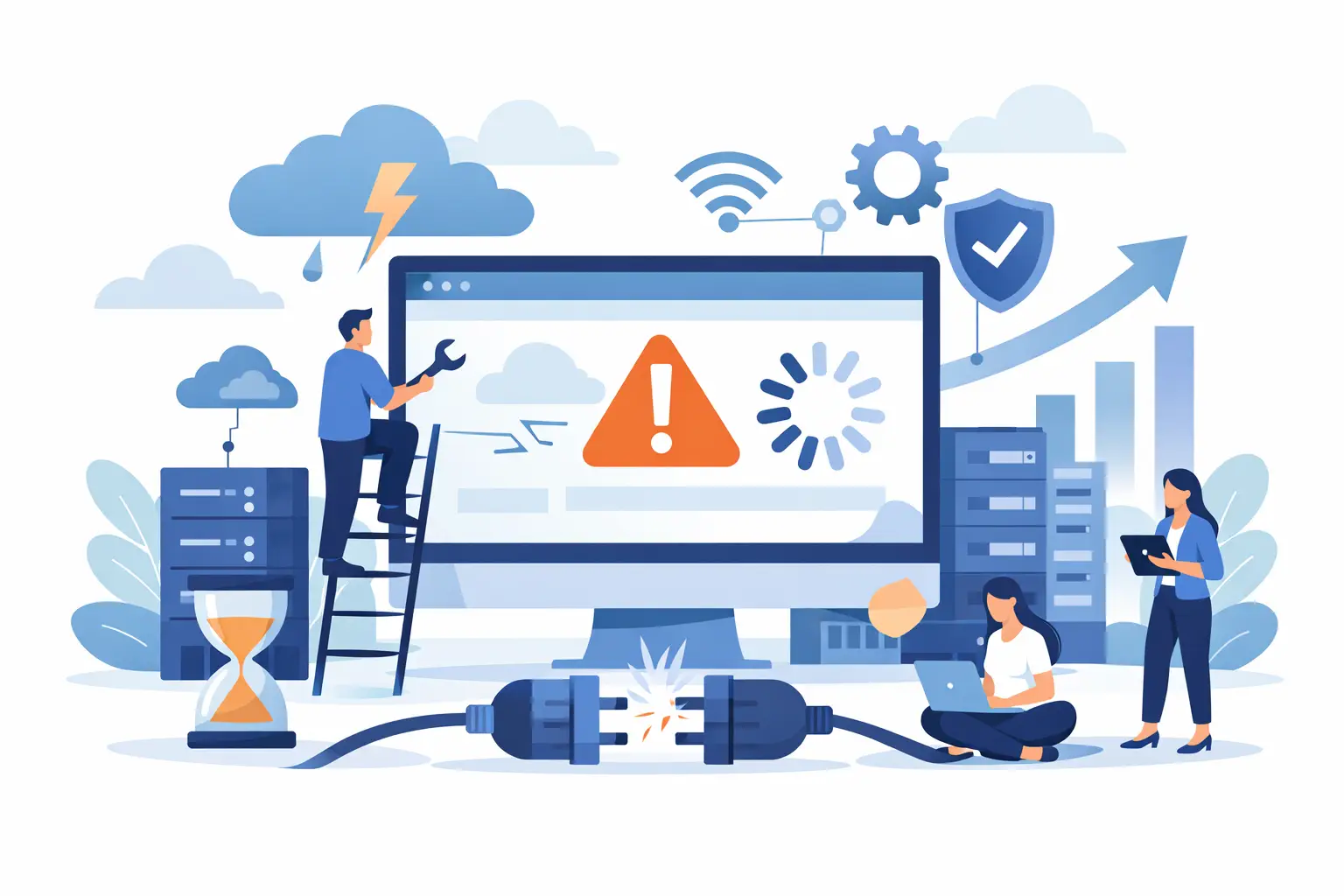
A website that goes down during a product launch, a busy service day, or a customer’s first visit does more than create a technical problem. It can interrupt sales, weaken trust, and leave you scrambling to explain what happened. Website downtime prevention is really about protecting the work your business depends on, before a small issue becomes a customer-facing outage.
For most small businesses and growing teams, the answer is not to build an enterprise data center or become a server administrator. It is to make sensible choices about hosting, maintenance, backups, security, and support - then revisit those choices as your site grows.
What Causes Website Downtime?
Downtime has more than one cause. A hosting server can fail, but many outages begin closer to the website itself: an overloaded plan, a broken plugin update, an expired domain, a database issue, a malicious attack, or a sudden traffic spike that pushes available resources too far.
That distinction matters because no provider can prevent every issue inside a site’s code or third-party tools. A dependable hosting environment can reduce the risk, detect problems sooner, and make recovery much faster. But site owners also need a basic operating routine.
The first step is to identify what your website actually needs. A simple brochure site and an online store with inventory, payment processing, and active marketing campaigns should not be managed the same way. The higher the cost of an interruption, the more attention you should give to capacity, monitoring, and recovery planning.
Website Downtime Prevention Starts With the Right Hosting
Hosting is the foundation beneath your site. If the server is slow, crowded, poorly maintained, or difficult to get help with, even a well-built website can become unreliable.
For a newer site with steady traffic, quality shared hosting can be a practical fit. Look for SSD storage, current server software, free SSL, daily backups, account isolation, and active monitoring. Account isolation is especially useful in shared environments because it helps limit the effect one compromised or resource-heavy account can have on others.
As a site grows, resource limits become more relevant. Slow page loads, recurring database errors, dashboard timeouts, and traffic-related outages can all indicate that a site has outgrown its current plan. Moving to managed cloud VPS hosting gives a business more dedicated resources and greater control without requiring the owner to handle every server task alone. High-traffic stores, agencies with demanding client workloads, and custom applications may eventually need a dedicated server.
The goal is not to pay for more infrastructure than you need. It is to avoid running a revenue-generating site at the edge of its available resources. A provider should be able to explain the upgrade path in plain language and help you move before performance becomes an outage.
Keep WordPress, Plugins, and Themes Under Control
WordPress is flexible because its plugin ecosystem is extensive. That flexibility also creates risk when updates are handled without a process. A plugin conflict can take down a storefront, trigger a white screen error, or disrupt a key form with little warning.
Keep WordPress core, themes, and plugins updated, but avoid treating every update as an automatic production change. For a simple site, updating during a quiet period and checking key pages afterward may be enough. For a store, membership site, or lead-generation website, test major updates on a staging copy first when possible.
Before making meaningful changes, create or confirm a restore point. Then check the pages and actions that matter most: the homepage, contact form, checkout flow, account login, and any booking or payment tools. This takes a few minutes and catches problems that a quick visual glance can miss.
It also helps to remove plugins and themes you no longer use. Inactive software can still become a security concern, and too many overlapping plugins can make troubleshooting harder. Choose well-supported tools with a clear purpose instead of stacking multiple plugins that perform similar jobs.
Treat Backups as a Recovery Plan, Not a Checkbox
Daily backups are essential, but a backup is only useful if it can be restored when you need it. Website owners should know what is included in their backup, how long versions are retained, and who can help restore the site if something goes wrong.
For many small business sites, daily backups are appropriate. Sites that process frequent orders, accept submissions throughout the day, or publish constantly may need more frequent database backups. An online store that loses several hours of order data faces a different recovery problem than a portfolio site that changes once a month.
Keep a separate copy of truly critical business information where appropriate, especially customer records, order exports, and essential content files. This does not replace a full website backup. It gives you an additional layer of protection if you need to reconstruct recent data after an incident.
Just as importantly, practice the recovery process before there is an emergency. You do not need to restore your live site every month, but you should understand the steps, the expected restoration time, and the support path. A five-minute conversation with your host can save hours of uncertainty during a real outage.
Monitor the Website From the Customer’s Point of View
Server monitoring can tell a hosting team when a service is unhealthy. External uptime monitoring adds another useful perspective by checking whether visitors can actually reach your website.
Set up an alert that notifies you when the site is unavailable, ideally through more than one contact method. For businesses that rely heavily on web leads or sales, monitor important functions as well as the homepage. A site can appear online while its checkout, contact form, or login system is failing.
Alerts should lead to a clear response. Keep the essential details accessible: your hosting account information, domain registrar details, recent change history, backup location, and the right support contact. If several people manage the site, decide who owns the first response and who communicates with customers if an outage lasts longer than expected.
This is where 24/7 human support matters. Automated status messages can be useful, but when your business is offline, you need someone who can investigate the actual account, explain what is happening, and help separate a hosting issue from a site-level problem.
Reduce Security Risks That Lead to Outages
Security incidents are a common source of downtime. Malware can consume resources, redirect visitors, damage files, or force a host to suspend a compromised site to protect the server and other customers.
Use unique, strong passwords and enable multi-factor authentication wherever it is available, particularly for hosting, domain, WordPress administrator, and email accounts. Limit administrator access to people who need it, and remove former staff or contractor accounts promptly.
SSL certificates should be active and renewed automatically when possible. Keep site software current, use reputable themes and plugins, and avoid installing pirated premium tools. Those files often contain hidden malware or backdoors, and the apparent savings can quickly turn into a costly cleanup.
A web application firewall, malware scanning, and rate limiting may be worth adding for sites that are regularly targeted or that handle sensitive user activity. The right level of protection depends on the site. A local service business may need a simpler setup than a membership platform with thousands of user accounts.
Plan for Traffic Before It Arrives
Traffic is usually good news, but a sudden surge can expose a site that was built for normal daily volume. A viral social post, seasonal promotion, email campaign, or media mention may bring more visitors than a small hosting plan can comfortably handle.
Before a planned campaign, review your current hosting resources and tell your provider what you expect. Optimize large images, limit unnecessary scripts, use caching where it fits your platform, and test the pages people will visit first. For online stores, test product pages and checkout rather than focusing only on the homepage.
If your growth is ongoing rather than temporary, an upgrade is often the cleaner answer. HillHost can help customers move from entry-level hosting to managed VPS or dedicated resources with a clearer path forward, rather than leaving them to diagnose capacity problems alone.
Build a Simple Downtime Response Routine
Even strong website downtime prevention cannot promise that a site will never experience an interruption. DNS changes, third-party payment services, software defects, and wider internet issues can still occur. What separates a manageable incident from a damaging one is the speed and clarity of the response.
When an alert arrives, first confirm the problem from another browser or network. Check whether the full site is down or only a specific feature. Review recent changes, contact support with the exact error and timing, and avoid making several untested fixes at once. Multiple rushed changes can make the original issue harder to find.
After service is restored, take a few minutes to document the cause and the fix. If the issue came from a plugin update, change your update process. If it came from resource limits, plan the upgrade. If recovery took too long, improve backup access or response ownership.
Your website does not need constant attention to stay dependable. It needs the right home, a few consistent safeguards, and real help when something unexpected happens. That is how you protect the confidence your customers place in your business every time they visit.